
Data recording
HumanSoft’s Data Recording is used to record income and expenses and salary advances, submit and download payroll bank files, adjust salary rates, and manage all employee debt from a single page.
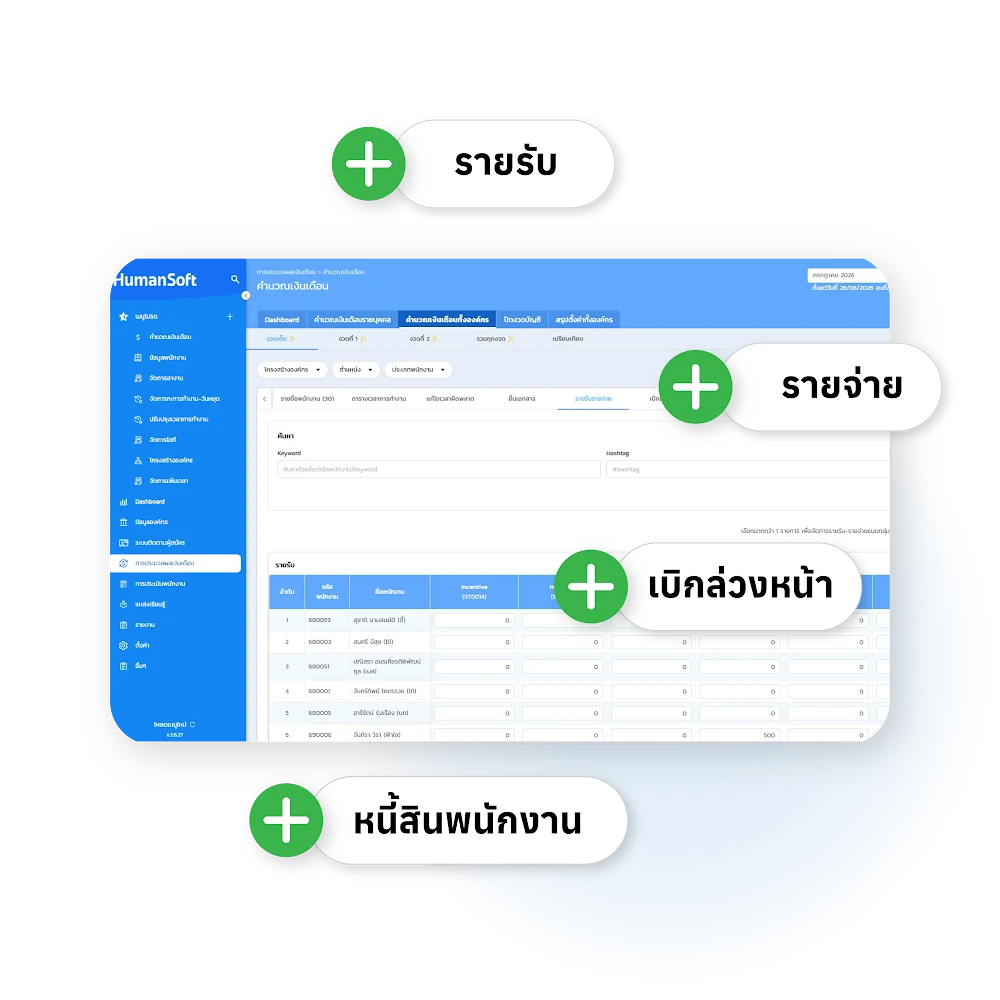
Record income-expense
Use this to add employee Income and Expense items, based on these principles:
- Income Any amount added to the employee’s salary.
- Expense Any amount deducted from the employee’s salary.
This lets you systematically manage financial items outside the base salary.
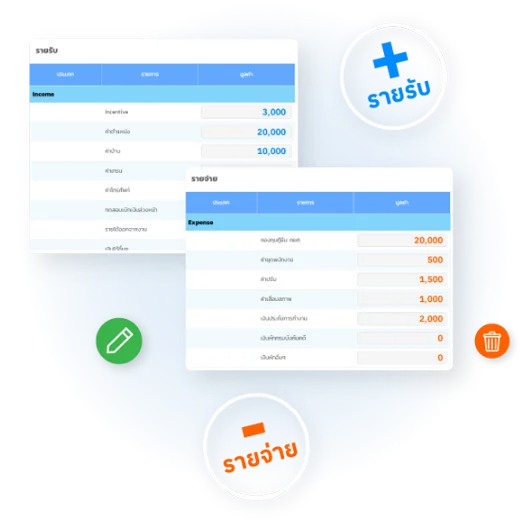
Advance pay records
A salary advance lets employees withdraw part of their earned pay before the regular scheduled payday.
HR can flexibly set employee salary advances in 2 main ways:
- Fixed Limit HR sets the maximum amount each employee can withdraw in each monthly cycle.
- Pro-rata Calculation The system calculates the advance limit from base salary, divided by total working days and multiplied by the days the employee has actually worked.

Payroll data submission
Payroll submission in the digital era must be both accurate and fast, reducing redundancy and improving business precision.
- Internal verification Easily forward data and summary reports to accounting or stakeholders for approval before actual payment.
- Bank file submission Download standard-format files and submit via Internet Banking instantly, reducing errors and saving transfer time.
- Automatic accounting link Expense data flows into the accounting system right after period close — no double entry.
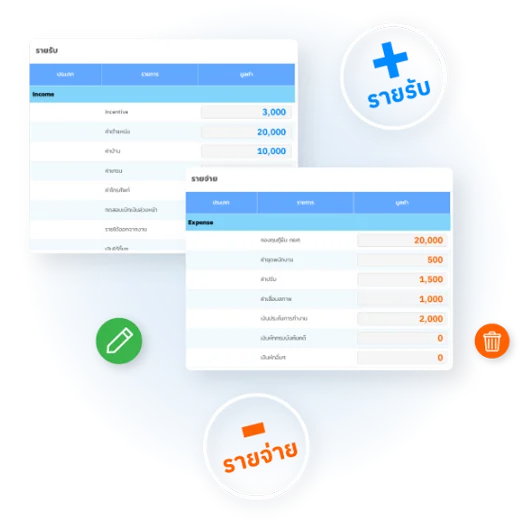
Download payroll data files
HumanSoft connects payroll calculation directly to online transfers — no tedious re-entry of employee data. We prepare ready-to-upload files for leading banks’ Online Banking, and you can download complete payroll reports in one click! Turn complex financial data into ready-to-use information with a payroll export system that helps you run your organization professionally.
- Every file format Download reports as Excel, CSV or Text File, ready to send to accounting or the bank.
- Instant analytics Complete income and deduction data helps management plan personnel budgets accurately.
- Convenient and secure Store and back up financial data systematically, with history available anytime.
Save time, boost accuracy, and make payroll easy.
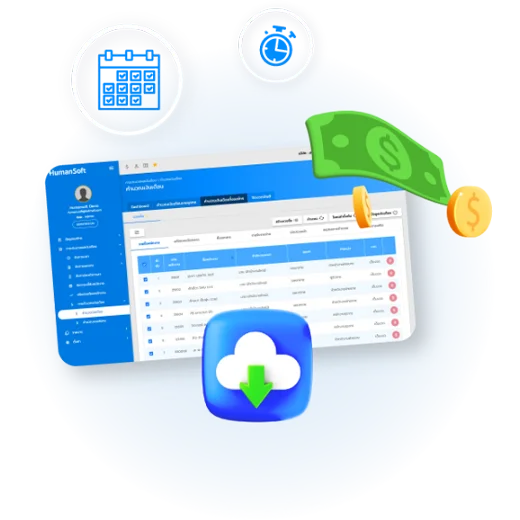
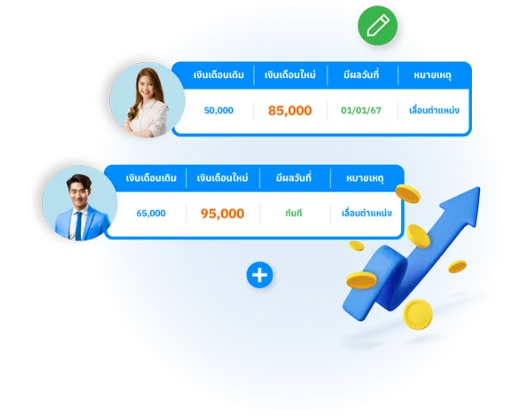
Employee salary adjustments
Boost wage management efficiency with an online salary adjustment system that supports multiple adjustment types and logs history automatically:
- Flexible timing Supports advance, mid-month and immediate salary adjustments, with HR setting the effective date.
- Two ways to manage Individual and group
- History log Review in detail how many employees received salary adjustments each month, and on which dates.
HR can also set the "working day count" used as the divisor for calculating daily wages, in line with company rules.
Employee debt management
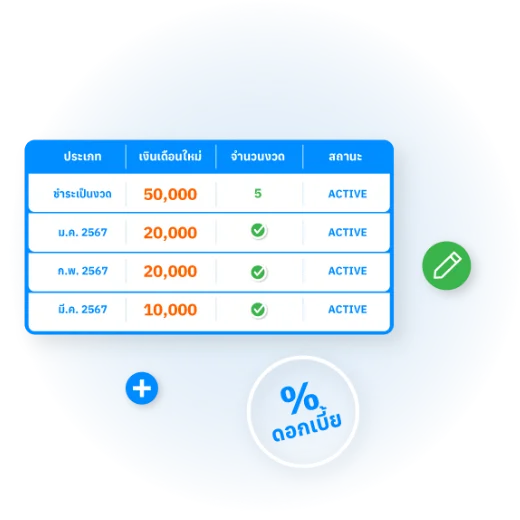
Turn employee debt management into a sustainable benefit with an employee loan management system that gives HR a complete, transparent solution:
- Accessible benefits Systematically manage loan and credit requests as employee benefits.
- Strong financial discipline Set installment policies with automatic payroll deductions, helping employees manage debt responsibly.
- Less HR workload Accurate balance and interest calculations, plus organization-wide debt summary reports.
Frequently asked questions
Still have questions? Ask the AI assistant right away, or browse all FAQs.
How do I record employee income and expenses in the system?
Record them directly in the system — the data is automatically included in the payroll cycle.
How do I submit payroll data to the bank?
Use the "Submit payroll data" and "Download payroll data files" features to export files in the formats your bank supports.
Can I adjust employee salaries retroactively?
Yes. Use "Adjust employee salary" to set a new rate with an effective date, along with "Manage employee debt burden".
Every HR task in one system
In Automated payroll
 Organization structure
 Recruitment
 Time attendance
 Documents and approvals
 Automated payroll
 Learning and training
 Communication and task assignment
 AI and Insight
 HRMS
 LINE