HumanSoft โปรแกรม HR

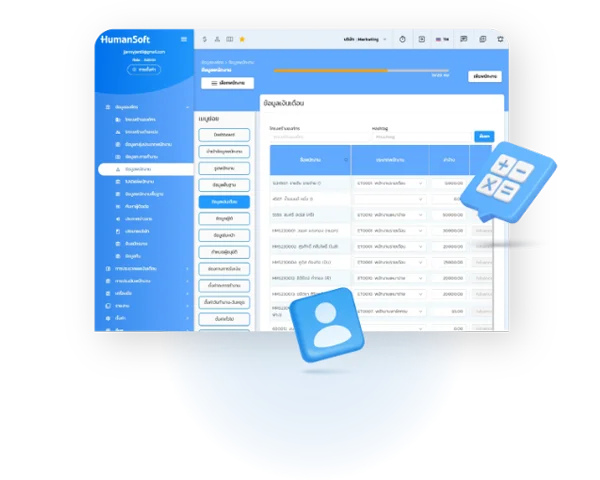
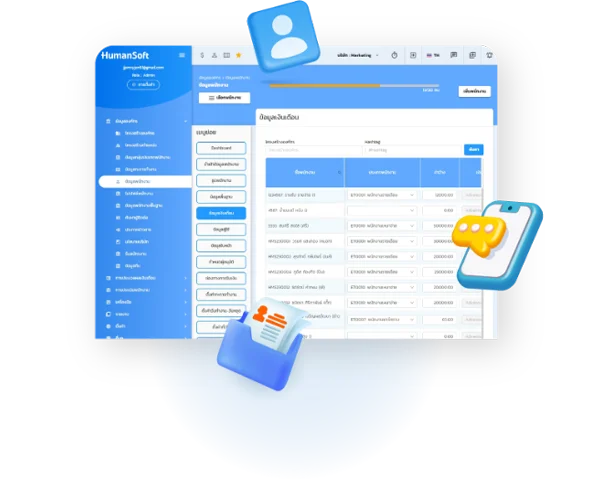
Personal Info

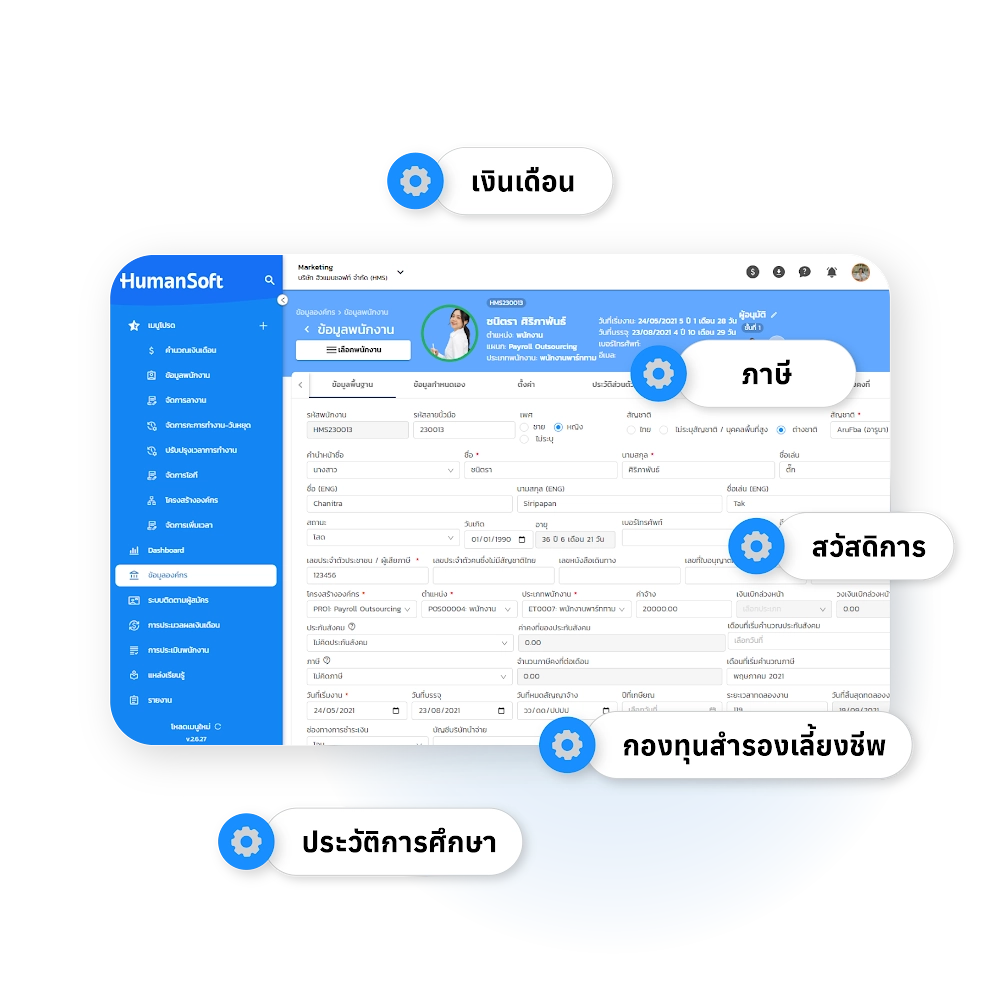
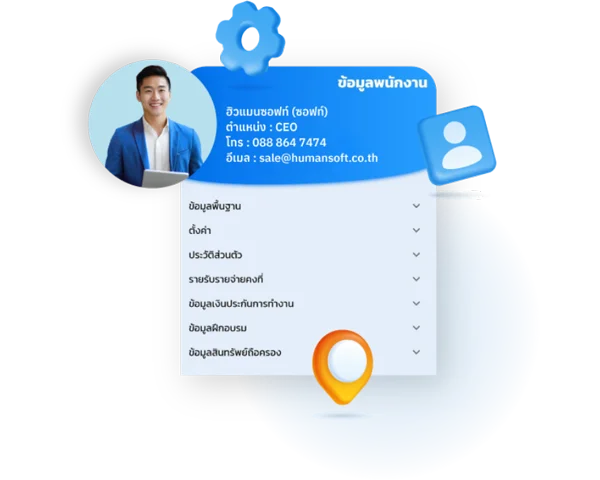
Employee personal information includes name, surname, ID number, nationality, date of birth, phone number, email, and more. All employee data can be edited, or you can choose to edit separately by branch or department, or edit all. Employees can edit their personal information via the mobile application and web browser

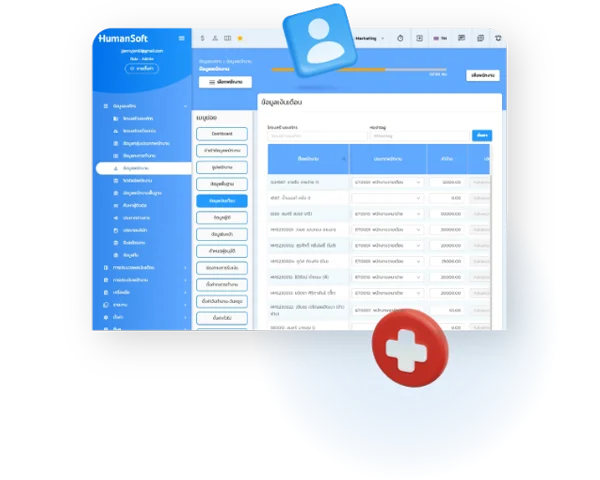
โปรแกรม HR HumanSoft sample screen สิทธิการเข้าถึงข้อมูล green check and orange gear
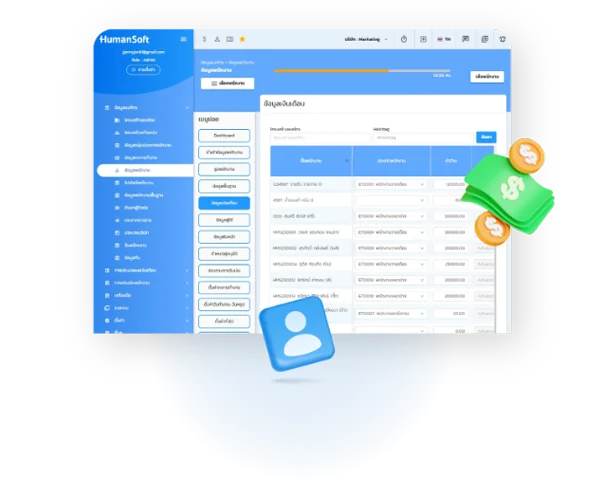
โปรแกรม HR HumanSoft cash coin money เงิน เงืนเดือน

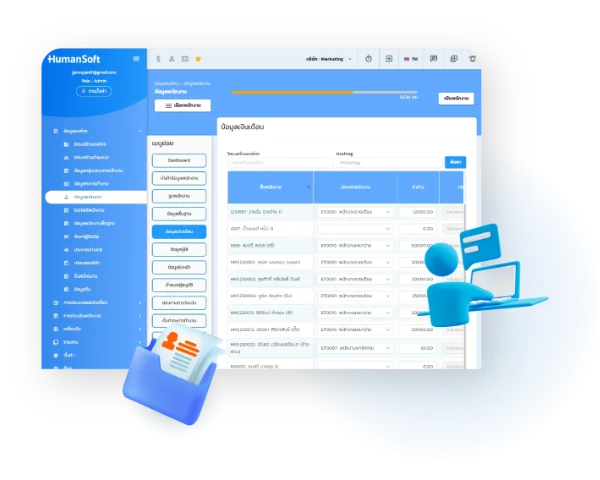
Salary

Salary information is the process of adding/editing salary data for all employees. You can choose to edit separately by branch and department or edit all

โปรแกรม HR HumanSoft Location Map ข้อมูลที่อยู่

Address

Entering employee address information, including both the address on the ID card and the employee's current address

โปรแกรม HR HumanSoft เอกสาร ไฟล์ Documents Folder Files ข้อมูลครอบครัว

Family

This is the process of entering the family history of each employee, stored in the HumanSoft system.

โปรแกรม HR HumanSoft เอกสาร ไฟล์ Documents Folder Files ข้อมูลประวัติการทำงาน

Employment history

This is the process of entering each employee's work history, stored in the HumanSoft system

โปรแกรม HR HumanSoft เอกสาร ไฟล์ Documents Folder Files Transcript ข้อมูลประวัติการศึกษา

Education

This is the process of entering each employee's educational background, which is stored in the HumanSoft system

โปรแกรม HR HumanSoft เอกสาร ไฟล์ Documents Folder Files extra skills ข้อมูลความสามารถพิเศษ

Special skills

This is the process of entering each employee's special skills information, which is stored in the HumanSoft system

Tax deduction

Employees can enter their individual tax deduction information via the Mobile Application, and the deductions entered will be used to calculate the tax deductions for the employees each month.

Tax deduction

Healthcare Entitlement

Manage and store employee healthcare eligibility, including social security and private insurance. Employees can also view their designated hospitals and available medical benefits anytime via the app.

Healthcare Entitlement

Employment insurance

Work Insurance is the process of entering employee insurance data into the system. It is stored as a history of the work insurance that employees have paid.

Employment insurance

Funds

Funds information can be filled in individually or imported. fund can specify the fund number, fund contract date, deduction method, fund rate, contribution method, company contribution, and beneficiaries. When the fund deduction rate is set, the system will deduct the fund according to the specified rate

  • Fund number: can be the same fund number or different fund numbers can be used
  • Fund contract date: the start date of the fund contract can be specified or edited
  • Deduction method can be selected from all three formats: percentage, fixed amount, and formula calculation (contact staff only)
  • Fund rate: Enter the amount you want the system to deduct for the fund
  • Contribution method can be selected from all three formats: percentage, fixed amount, and formula calculation (contact staff only)
  • Contributing company: Enter the amount you want the system to deduct for the fund
  • Accumulated balance: If an employee has been previously deducted from the fund, they can enter the accumulated balance here to input the value for the previous month
โปรแกรม HR HumanSoft ข้อมูลกองทุน สมทบ

Training

Employee training information can be recorded, including what training the employee has previously received and whether the training has been reported to the Department of Labor Development.

Training

Asset Holdings

Employee asset holding information can be recorded, including what company assets the employee holds.

Asset Holdings

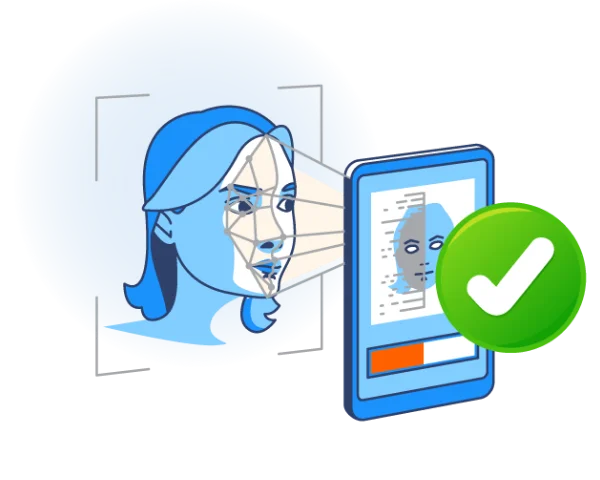
Face

Work time recording can be done by scanning faces. Therefore, facial data of employees is required to store work time recording data.

Face

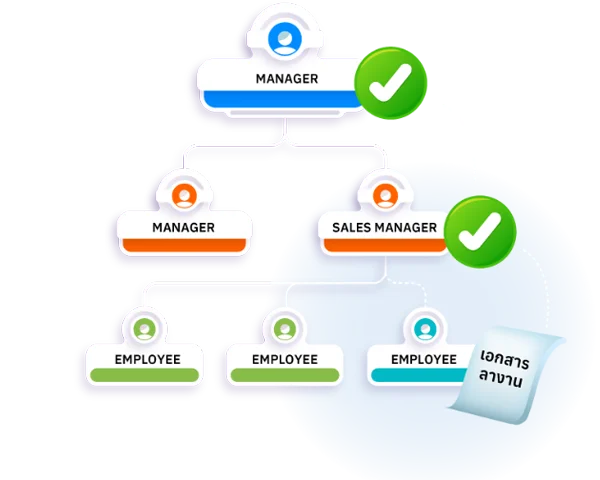
Document approvers in 5 steps

Document approvers can be set up to a maximum of 5 levels. There are 5 documents that can have document approvers set up: leave documents, overtime documents, OT documents, work shift change documents, and holiday change documents. Approvers can approve documents via the Mobile Application and Web Browser.

Document approvers in 5 steps

Frequently Asked Questions (FAQ)

It stores personal information, salary data, tax deductions, hospital entitlements, work insurance, provident fund, training history, asset holdings, and facial data for time-attendance scanning.
You can set up 3 deduction methods: percentage (%), a fixed amount (THB), or a custom formula, with the company contribution rate configured separately.
You can set up to 5 levels of document approvers, adjustable to match your reporting lines or company policy.
hms-helpful-shadow svg fileHumanSoft Payroll & HR SolutionTry Free 30 days All HR's functions
  • Free setup service.
  • No expenses at all.
  • Dismiss at any time.
Try it free
LINEChat with usContact Us30 วันTry for
FREE