Humansoft โปรแกรม HR

Time Attendant

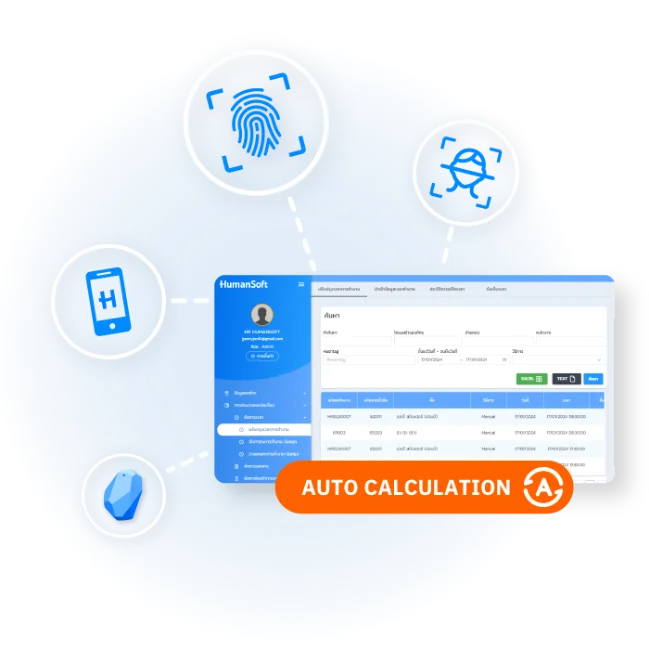
This is a system for recording working hours in various ways to suit the needs of each company. It also allows supervisors to scan employees' faces to record their working hours. The details of each method of recording working hours are as follows

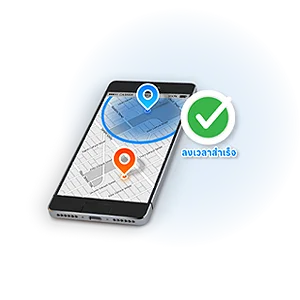
  • Face/Map This means recording working hours using facial recognition or GPS tagging
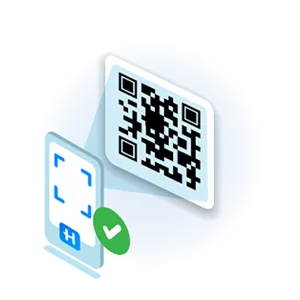
  • QR Code scan This means scanning a QR code to record working hours
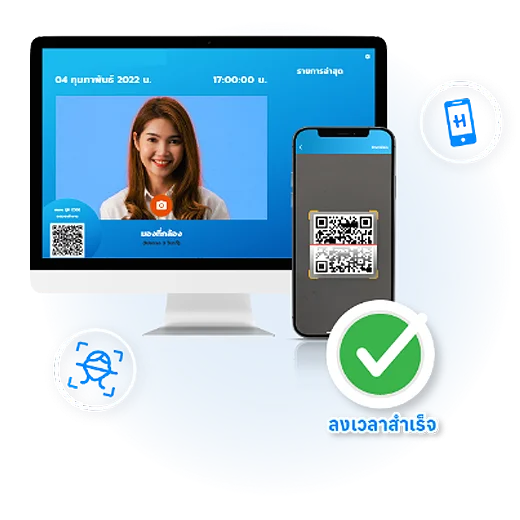
  • Generate QR Code (Time App) This means generating a QR code in the employee's application to record working hours through a central device (HumanSoft Mobile Attendance). This is done by taking the employee's QR code to the central device and scanning it to record the working hours
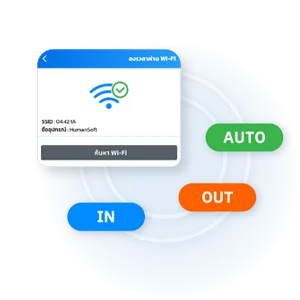
  • Wi-Fi This means recording working hours through a Wi-Fi signal
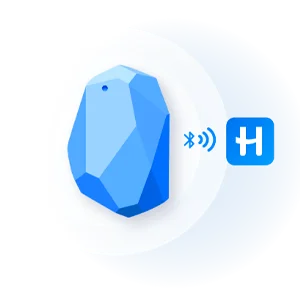
  • Beacon This means recording working hours through a Bluetooth signal
  • Scan team member This means allowing supervisors to scan employees' faces to record their working hours on their behalf
โปรแกรม HR HumanSoft ลงเวลาการทำงาน - Time Attendant

Time and attendance record is comprehensive across all formats

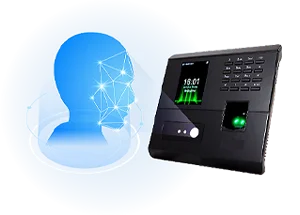
โปรแกรม HR HumanSoft การลงเวลาผ่านเครื่องสแกนลายนิ้วมือ - Finger Scan

Finger Scan

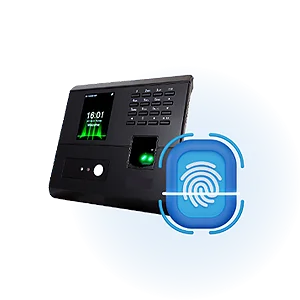
Time attendance using a fingerprint scanner requires configuring the device before use and defining the work area for time logging

โปรแกรม HR HumanSoft การลงเวลาการทำงานรูปแบบ GPS - GPS

GPS

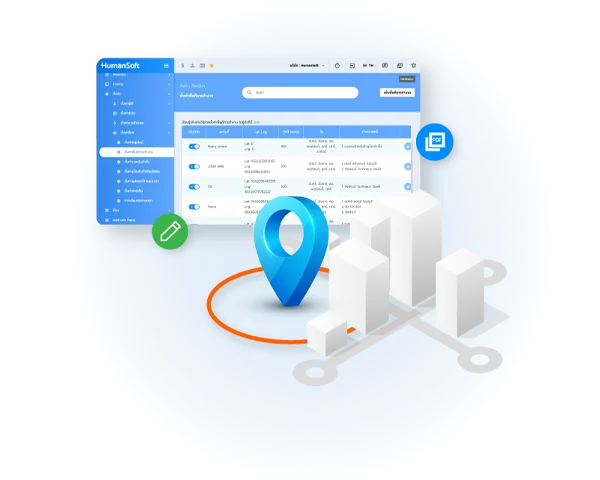
Time attendance via Mobile Application and Line OA requires defining the work area for time logging to enable GPS-based work time tracking

โปรแกรม HR HumanSoft การลงเวลาการทำงานผ่าน Wifi - WIFI

WIFI

Time attendance via a Mobile Application requires configuring the device before usage and defining the work area for time logging

โปรแกรม HR HumanSoft การลงเวลาผ่านทาง Mobile Application บีคอน- Beacon

Beacon

Time attendance via a Mobile Application requires configuring the device before usage and defining the work area for time logging

โปรแกรม HR HumanSoft เป็นการลงเวลาผ่านทาง Mobile Application - Face Recognition

Face Recognition

Time attendance through the Mobile Application includes setting the work area for logging working hours.

โปรแกรม HR HumanSoft การลงเวลาการทำงานผ่าน PC หรือ Laptop ที่มีกล้อง คีออส- Kiosk

Kiosk

Time attendance via Mobile Attendance and Time Web involves using a central device similar to a fingerprint scanner. Additional central devices can be added for usage from PCs or laptops with cameras, and can also be accessed via mobile phones

โปรแกรม HR HumanSoft การลงเวลาการทำงานผ่านคิวอาร์โค้ด - Qr Code

QR Code

Time attendance through the Mobile Application includes setting the work area for logging working hours.

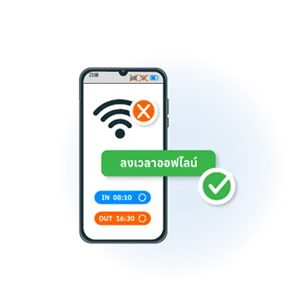
โปรแกรม HR HumanSoft การลงเวลาการทำงานโดยไม่มีอินเทอร์เน็ต - offline

Offline

Time attendance through the Mobile Application includes setting the work area for logging working hours

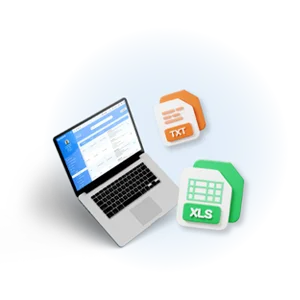
โปรแกรม HR HumanSoft การนำเข้าเวลาการทำงานเข้าระบบผ่านไฟล์หรือเทมเพลต - Import

Import

Employee work hours can be imported through Excel files *.xls, *.xlsx, and Text files *.txt, *.dat, or templates downloaded from the system, and then the time can be imported

โปรแกรม HR HumanSoft การเพิ่มเวลาให้กับพนักงานจากในระบบ HumanSoft- Manaul

Manual

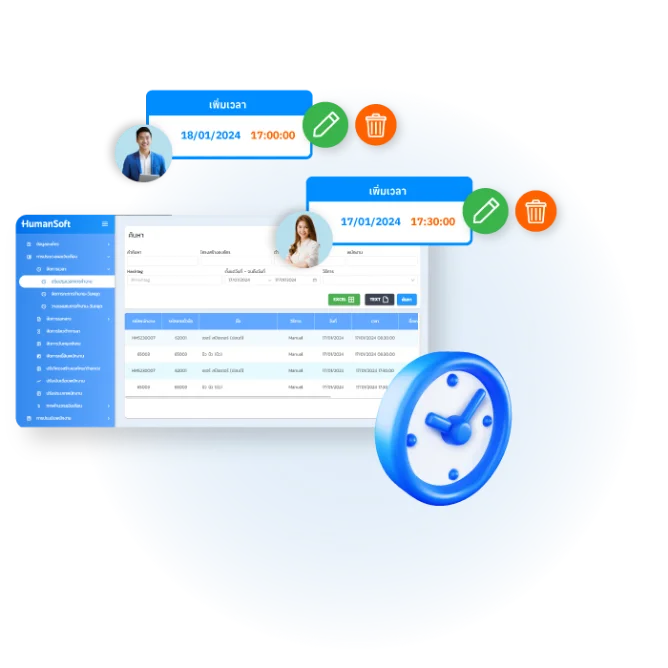
HR can manually add time for employees themselves within the HumanSoft system

โปรแกรม HR HumanSoft การลงเวลาผ่านเครื่องตรวจสอบตัวตน - Liveness Face Recognition

Liveness Face Recognition

Time attendance using a fingerprint scanner requires configuring the device before use and defining the work area for time logging

Improve working hours

This section lists all employees recorded in the HumanSoft system, showing their names, fingerprint IDs, clocking methods, and timestamps. HR can also manually input attendance data when necessary.

โปรแกรม HR HumanSoft ปรับปรุงเวลาการทำงาน - Improve working hours

Setting

Setting timekeeping device

It's the setup of timekeeping devices that will connect to the HumanSoft system to send the working hours recorded by employees to the HumanSoft system.

Setting workspace

It's the establishment of work areas where employees can clock in and out only within the specified areas.

โปรแกรม HR HumanSoft ตั้งค่าอุปกรณ์การลงเวลา และ ตั้งค่าพื้นที่การทำงาน
hms-helpful-shadow svg fileHumanSoft Payroll & HR SolutionTry Free 30 days All HR's functions
  • Free setup service.
  • No expenses at all.
  • Dismiss at any time.
Try it free
LINEChat with usContact Us30 วันTry for
FREE