
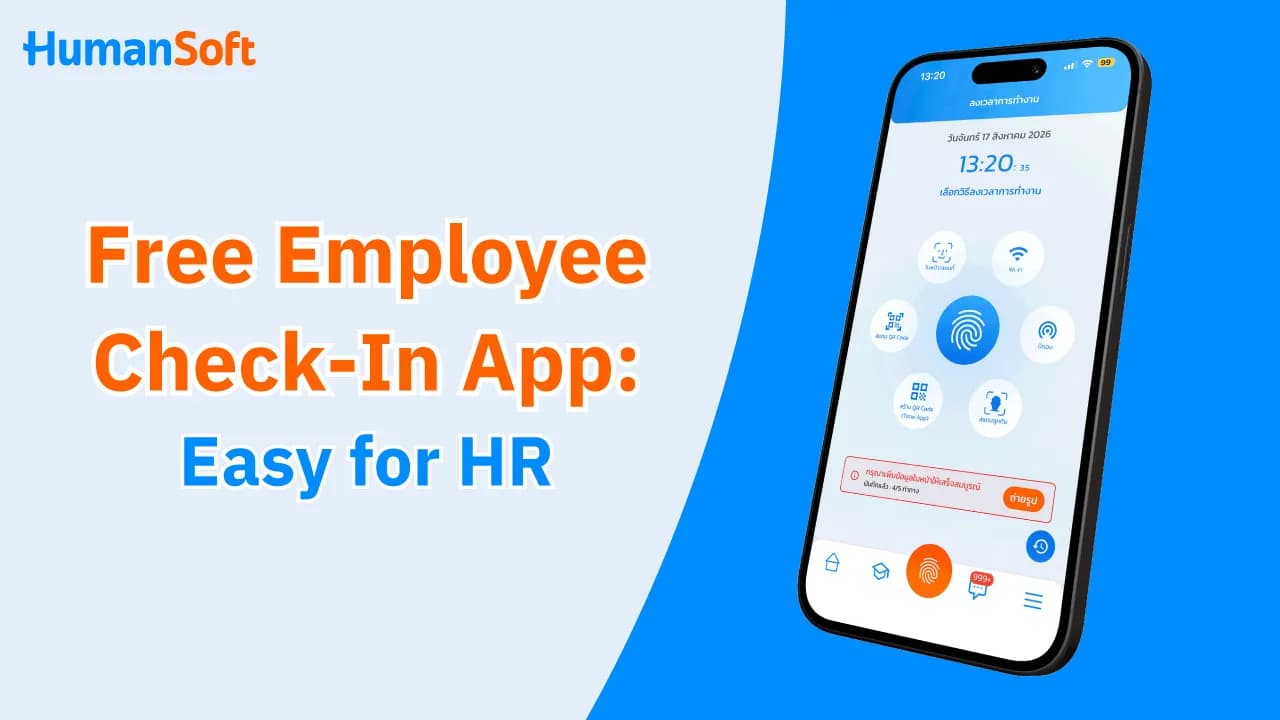
Free Employee Check-in App: Easy to Use, Less HR Work
A free employee check-in app allows employees to clock in and out on their mobile phones while making attendance records easier for HR to review—without manually recording times or collecting paperwork. The app supports GPS location verification, Wi-Fi connections, QR code scanning, and face recognition. When an employee checks in, the time is recorded in the system, allowing HR to review arrival times, lateness, absences, and clock-out times without collecting paper records or re-entering data manually.
Table of Contents:
- Free Employee Check-in App: Easy to Use, Less HR Work
- What Is a Free Employee Check-in App?
- What Features Does a Free Employee Check-in App Offer?
- How Is an Employee Check-in App Better Than a Traditional Time Clock?
- How Does a Free Employee Check-in App Reduce Attendance Problems?
- How Does HumanSoft’s Employee Check-in App Manage Work Hours?
- Conclusion: Eliminate Traditional Attendance Problems with a Free Employee Check-in App
- FAQ: Frequently Asked Questions About Free Employee Check-in Apps
What Is a Free Employee Check-in App?
A free employee check-in app is a time attendance app that makes clocking in and out convenient. Employees can easily use it on a smartphone instead of recording their work hours with a time clock machine or signing paper attendance sheets. A free employee check-in app supports several clock-in methods, including Wi-Fi, GPS, QR code scanning, and face recognition.
What Features Does a Free Employee Check-in App Offer?
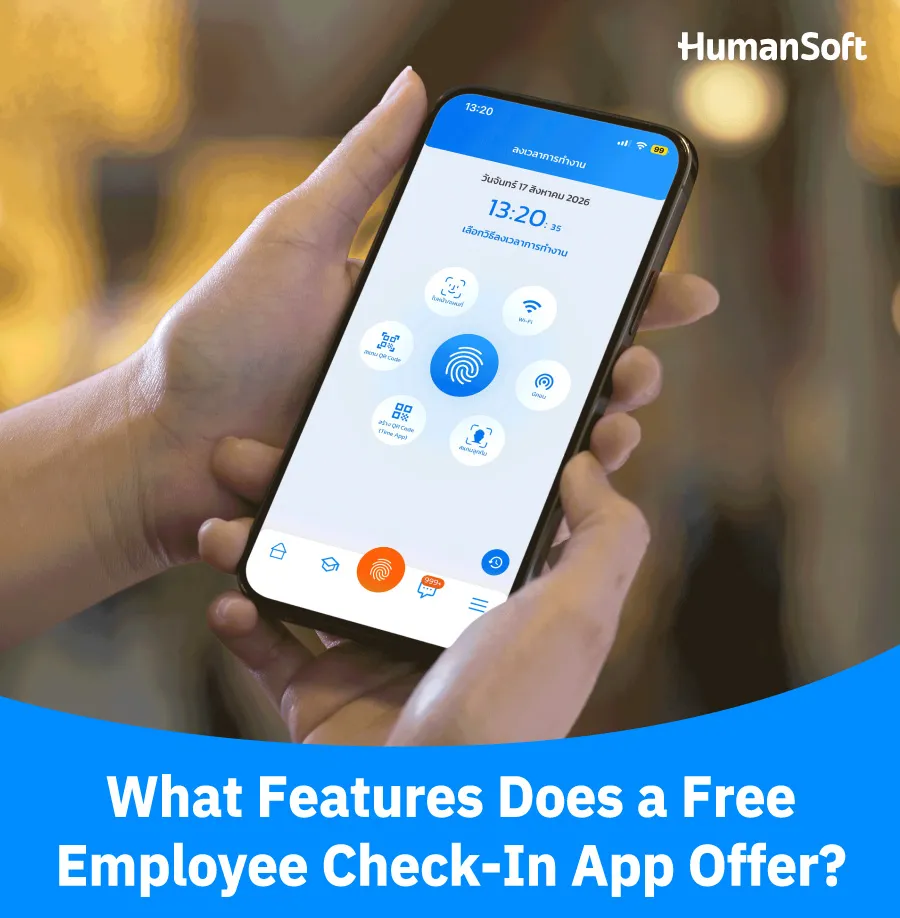
1. Record Clock-in and Clock-out Times
Employees can clock in and out on their mobile phones. The system automatically records the date and time, reducing errors caused by writing or entering times manually.
2. Verify Locations with GPS
The system can record an employee’s location at check-in, allowing the organization to verify whether the employee checked in from an approved area. This is ideal for field staff, sales teams, and multi-branch businesses.
3. Set Check-in Conditions
Some systems allow employees to clock in only through the company’s Wi-Fi, within a specified GPS area, or by other methods defined in the organization’s policy. This helps control attendance in line with each work model.
4. Verify Identity with Face Recognition
Face recognition confirms that the person checking in is the actual employee, reducing the risk of buddy punching.
5. View Attendance Reports
HR can review clock-in and clock-out times, lateness, and absences directly in the system without collecting paperwork or retrieving data from each time clock machine.
How Is an Employee Check-in App Better Than a Traditional Time Clock?
| Comparison Point | Traditional Time Clock | Employee Check-in App |
| Check-in Method | Employees must clock in at the machine | Check in via smartphone |
| Check-in Location | Available only where the machine is installed | Available within areas designated by the organization |
| Identity Verification | Uses employee cards, which may allow buddy punching | Supports face recognition or location verification |
| Data Recording | Stores data on the card or machine | Records data in the system immediately |
| HR System Integration | May require additional data imports or manual entry | Can connect attendance data with HR and Payroll processes |
| Data Review |
Data must be collected or retrieved from the machine |
HR can review data directly in the system |
How Does a Free Employee Check-in App Reduce Attendance Problems?
- Reduce paper use and manual data entry Employees can record their work hours conveniently, reducing complexity and errors associated with paper attendance records.
- Easy to use The app is easy to use on a smartphone, allowing employees to clock in and out from anywhere at any time.
- Highly accurate The app records employee clock-in and clock-out times automatically and accurately. It can also identify employee locations, helping HR verify attendance records correctly.
- Prevent buddy punching The app can prevent employees from clocking in for one another. Because a free employee check-in app offers face and fingerprint scanning, HR can be confident that attendance records are transparent and reliable.
- Convenient and fast Employee attendance data is sent directly to the administrator (HR), eliminating the time and effort required to retrieve records from other devices.
- No equipment installation required Organizations do not need to install any equipment for time attendance. A free employee check-in app significantly reduces installation and maintenance costs.
How Does HumanSoft’s Employee Check-in App Manage Work Hours?
The employee check-in app from HumanSoft reduces both HR workload and the risk of errors. Employees can clock in conveniently without queuing at a time clock, while HR can quickly review attendance, lateness, and off-site work directly in the system. HumanSoft supports seven attendance methods:
-
Face recognition
-
Fingerprint scanning
-
GPS
-
QR Code
-
Wi-Fi
-
Beacon
-
A supervisor scans their face on behalf of team members
Conclusion: Eliminate Traditional Attendance Problems with a Free Employee Check-in App
Switching from traditional attendance methods—such as punch cards or paper sign-in sheets, which can be time-consuming and prone to errors—to a free employee check-in app makes attendance management more efficient. The app also offers additional features that organizations can select according to their needs.
The HumanSoft platform comprehensively meets the needs of employees, HR teams, and organizations, enabling them to manage a wide range of tasks efficiently.
FAQ: Frequently Asked Questions About Free Employee Check-in Apps
Can Employees Use a Check-in App Off-site?
Yes. If the system supports GPS and check-ins through a mobile application, the organization can define approved areas or attendance conditions appropriate for each workplace.
Can an Employee Check-in App Integrate with Payroll?
It depends on the system. Some apps only record time, while an integrated HR and Time Attendance system can use attendance, leave, and OT data in the Payroll process.
Is a Free Employee Check-in App Suitable for SMEs?
It is suitable for SMEs that want to replace paper- or Excel-based attendance with a system that is easier to use, more accurate, and reduces HR workload.
Read More Related Articles



