
Documents and approvals
HumanSoft Documents lets employees request leave, OT, shift changes, salary advances, salary/employment certificates and benefits in one system — no paper forms to fill in.
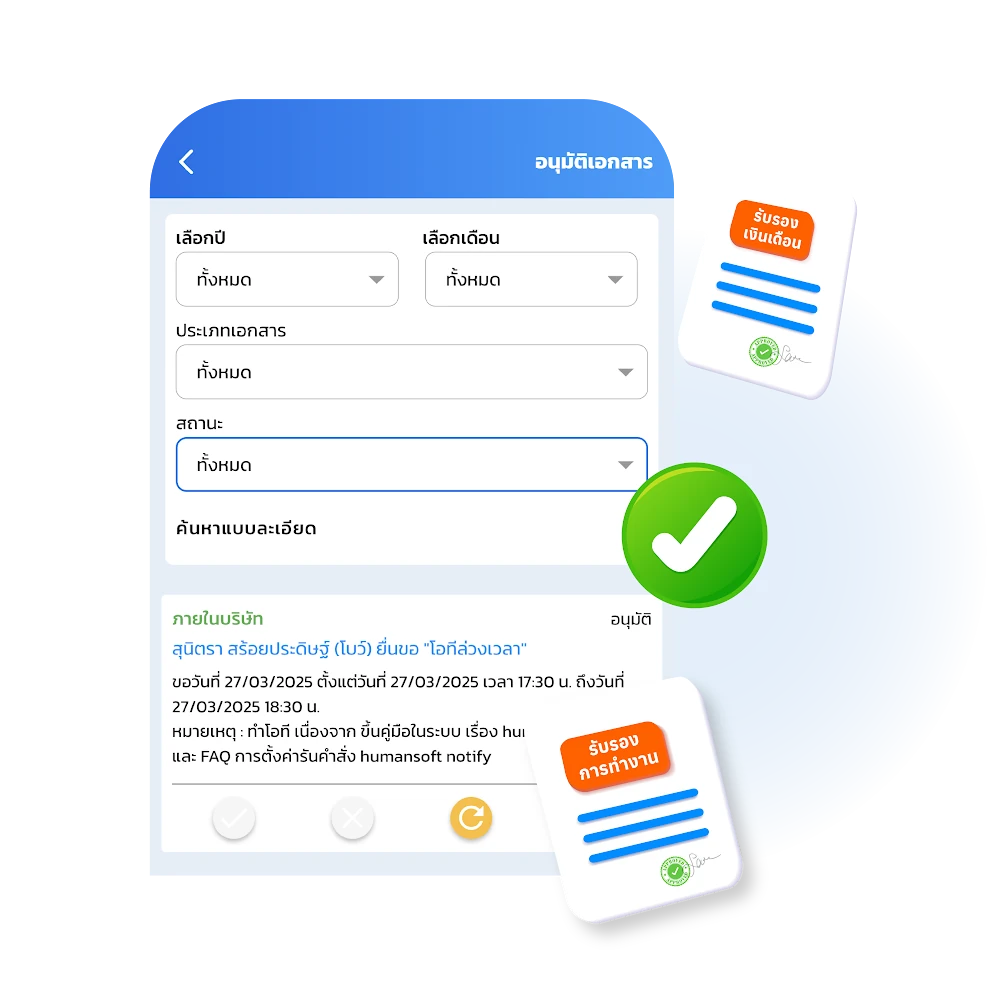
Request leave
Employees submit leave requests themselves via the Mobile Application and Web Browser, cutting paperwork and speeding up approvals. Key features for HR:
- Accurate quota management Set each employee’s leave entitlement according to company policy.
- Leave rule settings Set advance notice days or allow retroactive requests by leave type.
- Real-time tracking HR and supervisors check leave status instantly online.
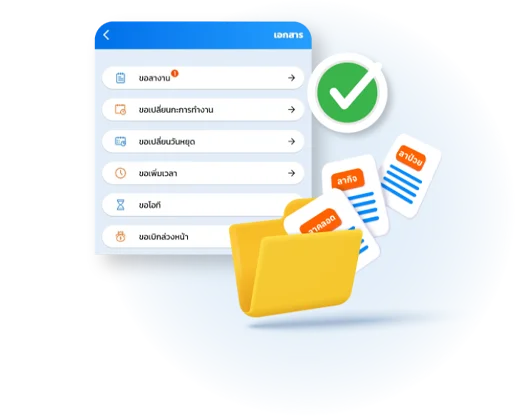
OT Request and Add Time
OT requests
Managing overtime is easy with HumanSoft’s OT calculator, which lets HR apply company policy flexibly:
- Flexible settings Define OT rates and time windows to match company policy.
- Complex conditions supported Up to 8 OT Card configurations, split by employee type or specific conditions.
- Employee self-service Cut paperwork — employees request OT via the Mobile Application or Web Browser, anytime, anywhere.
- Accurate and auditable The system links attendance data to calculate pay automatically.
Request to add time
Keeping work time accurate is easy with an online time attendance system designed for forgotten clock-ins and off-site work:
- Instant self-service Forgot to clock in or working off-site? Employees submit an add-time request via the Mobile Application or Web Browser from anywhere.
- Auditable approval Time data is recorded automatically only after a supervisor or HR approves it, for full transparency.
- HR can step in HR can submit add-time requests on an employee’s behalf when needed, keeping attendance records complete.
- Fewer payroll errors Payroll stays accurate, with no retroactive fixes on closing day.

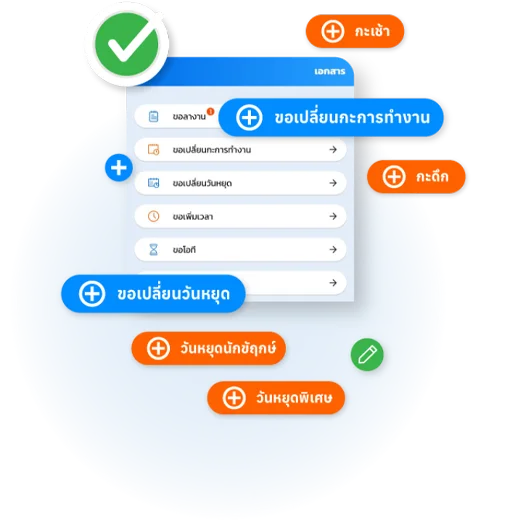
Change Work Shift and Change Day Off
Shift change requests
Employees who want to change their work shift can submit a shift change request via the Mobile Application and Web Browser, and a supervisor or HR approves it.
Request day-off change
Employees who want to swap a day off for a work day, or a work day for a day off, can submit a day-off change request via the Mobile Application and Web Browser, and a supervisor or HR approves it.
Prepayment and Petty Cash
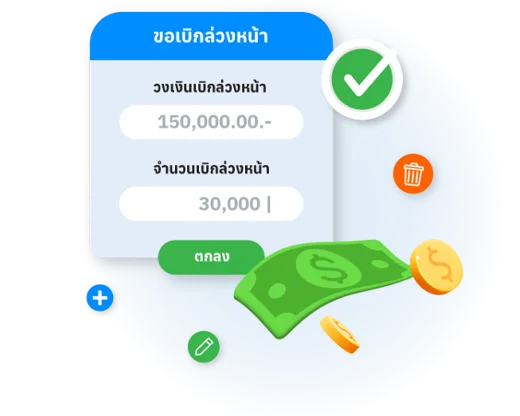
Advance pay requests
An advance pay request lets employees ask to draw part of their salary early, and the amount is deducted from their salary at the end of the payroll period. HR can set the advance limit for each employee according to company policy.
Petty cash requests
A menu for employee petty cash claims. Employees claim petty cash in the Application by adding the expenses they want reimbursed and attaching files, so administrators can review, approve, or submit requests on the employee’s behalf.
Salary Certificate and Work Certificate
Salary certificate requests
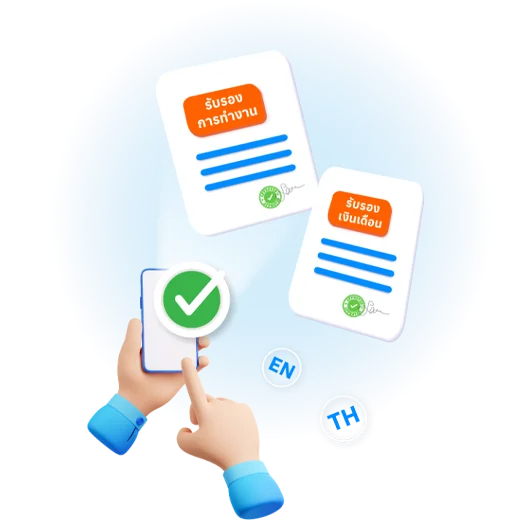
Employees request their own salary certificate from the company via the Mobile Application, in either Thai or English.
Employment certificate requests
Employees request their own work certificate from the company via the Mobile Application, in either Thai or English.
Benefit requests
The process employees follow to claim the benefits or services the company provides — a request from the employee to HR or the relevant department for the benefit they need.

Complaint submissions
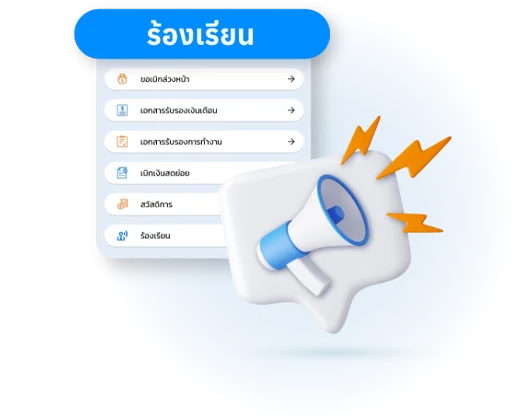
Grievance & Complaint is a key mechanism that lets employees raise problems or inappropriate behavior within the organization in a structured way, leading to resolution and a better workplace. Key steps:
- State the issue clearly Include accurate details of the incident, the date, and the people involved.
- Attach supporting evidence For an effective review, include related photos, documents, or messages with the complaint.
- Confidential channel Modern organizations should have a Whistleblowing Policy so employees feel safe and their privacy is protected.
- Fair review process Complaints go directly to the relevant party (such as HR or the disciplinary committee) for investigation and action under company regulations.
A clear complaint system helps the organization reduce fraud risk and builds trust among all employees.
Employment contract documents
A document containing the terms and conditions of employment between employee and employer. An employment contract generally specifies the following:
- Employee and employer details Such as the names and addresses of the employee and employer.
- Position terms The position the employee will hold, including duties and responsibilities.
- Term of employment How long the employee will hold the position — a number of months or years, or an indefinite term.
- Employment conditions Terms and conditions related to the employment, such as termination, compensation, and services provided to the employee.
- Salary and benefits The pay the employee receives each period, plus any other benefits under the contract.
- Additional agreements May include other employment-related agreements, such as confidentiality and privacy, or intellectual property.
An employment contract is an important document that helps both employee and employer clearly and formally understand the terms and conditions of the work and employment.

Visa documents
Make requesting a Visa Support Letter easy with automation that connects employees and HR:
- Instant self-service Employees request a visa support letter from anywhere via the Mobile Application or Web Browser — no more handwritten request forms.
- Easy HR approval and issuing HR reviews the details and approves to issue the letter instantly via Web Browser.
- Faster turnaround Data is exchanged accurately, nothing gets lost, and documents are ready faster than by hand.
Frequently asked questions
Still have questions? Ask the AI assistant right away, or browse all FAQs.
Can employees request leave through HumanSoft?
Yes. Employees can request leave in the app and check their own remaining leave quota.
Can shift or day-off changes be requested in the system?
Yes. Employees request a shift change or day-off change in the app and wait for their supervisor’s approval.
How do I request a salary or work certificate?
Employees request it directly in the system or HR app, then HR approves and issues the document.
Can employees request salary advances or petty cash?
Yes. Employees request salary advances or petty cash through the system.
Every HR task in one system
In Documents and approvals
 Organization structure
 Recruitment
 Time attendance
 Documents and approvals
 Automated payroll
 Learning and training
 Communication and task assignment
 AI and Insight
 HRMS
 LINE