
AI and Insight Let employee data tell HR what to know first
AI and Insight is the HumanSoft feature group where the system analyzes data and handles work for you automatically. It has 2 main parts: the Widget Dashboard, for a real-time overview and HR risk signals, and Automation, for scheduling the system to take over repetitive tasks automatically.
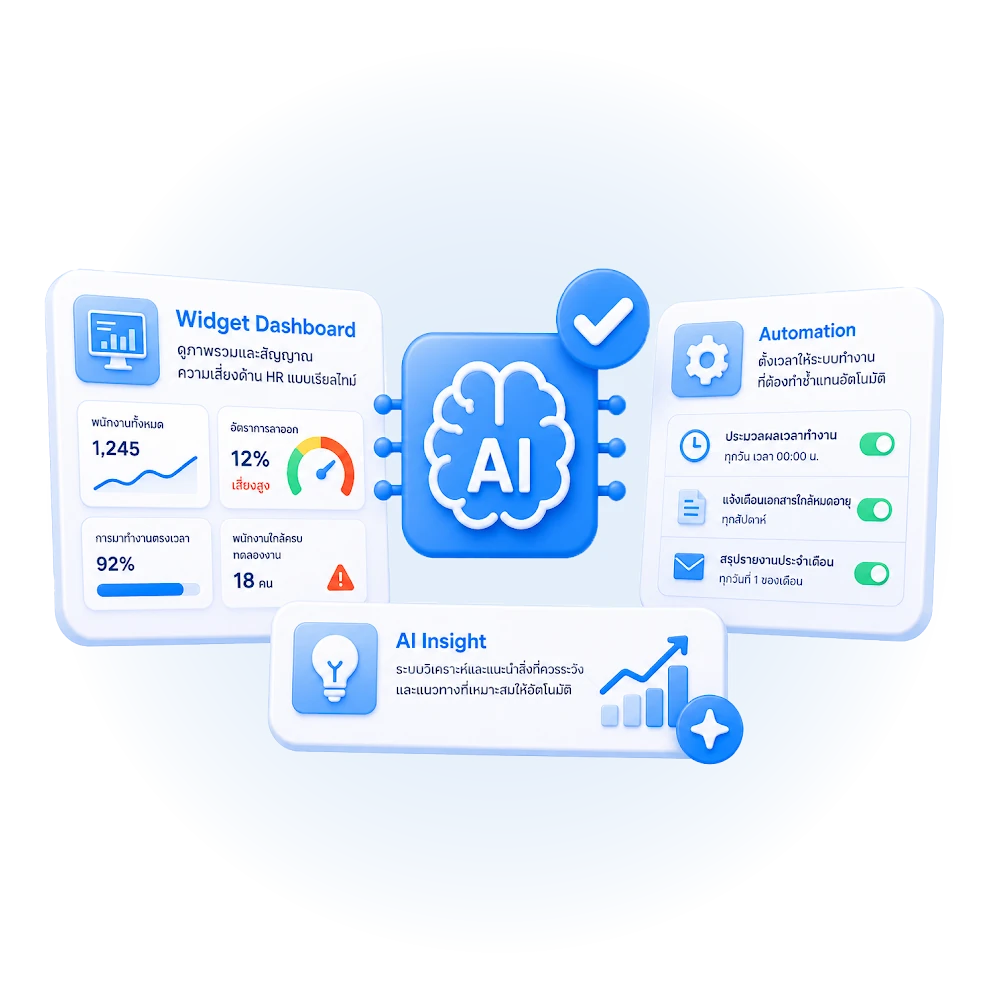
Widget Dashboard
The web-based Widget Dashboard gathers company-wide HR data, processes it and presents an easy-to-read overview. It updates from the live data in the system (salaries, positions, attendance, leave), so HR no longer has to pull reports and build summaries in Excel every month. It offers 3 main views:
- Average Position Salary shows the average salary for each position, calculated from the actual salary data in the system
- Employee Cost Insight summarizes total employee costs across the company, broken down by branch, making budget planning easier
- Resignation Signal analyzes employee behavior from data already in the system to alert HR in advance which employees are at risk of resigning, so you don’t find out only when a resignation letter arrives
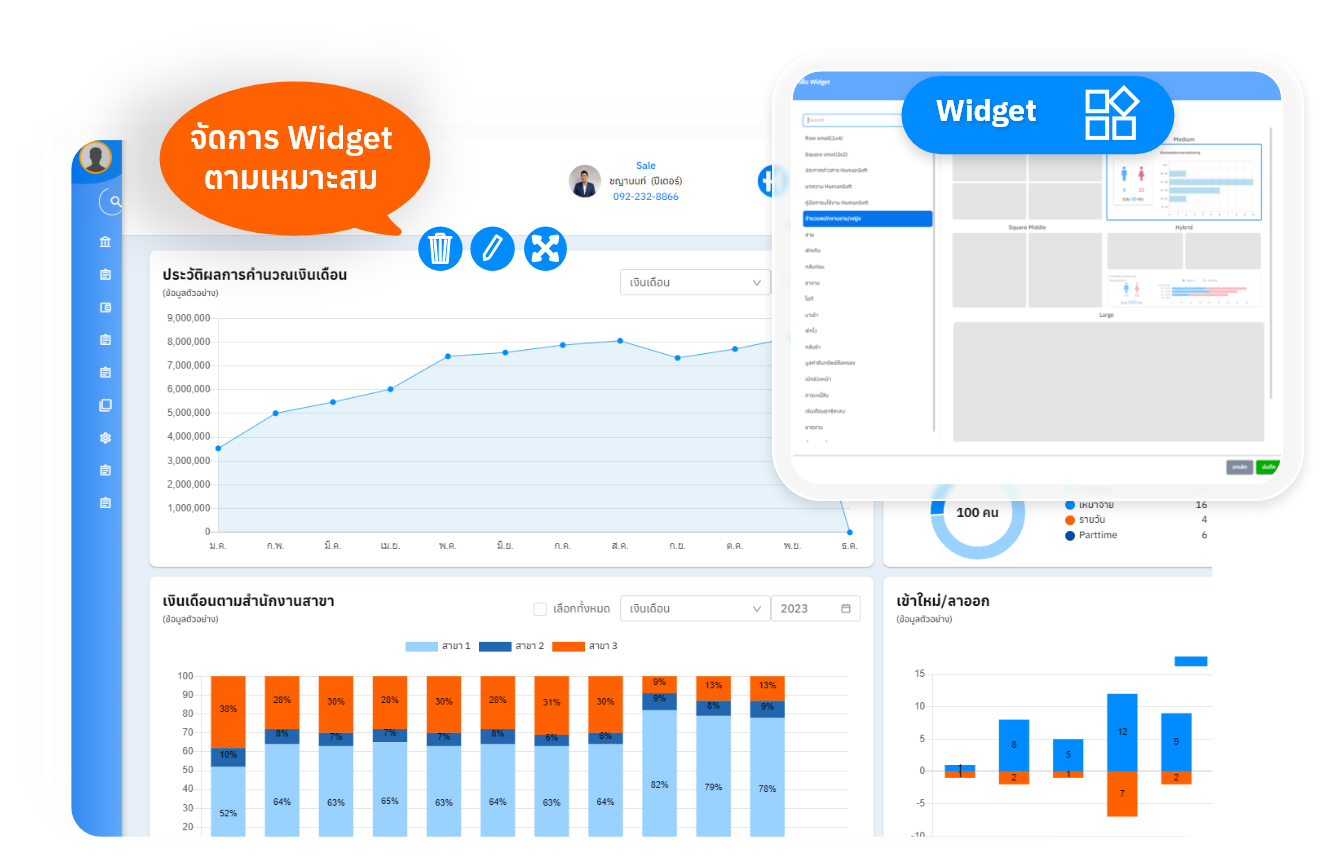
Automation
Automation lets HR schedule the system to handle repetitive tasks automatically, with no need to run them manually every time. It covers:
- Scheduling daily / weekly / monthly report summaries
- Scheduling checks and fixes for recurring issues, such as employees forgetting to clock in
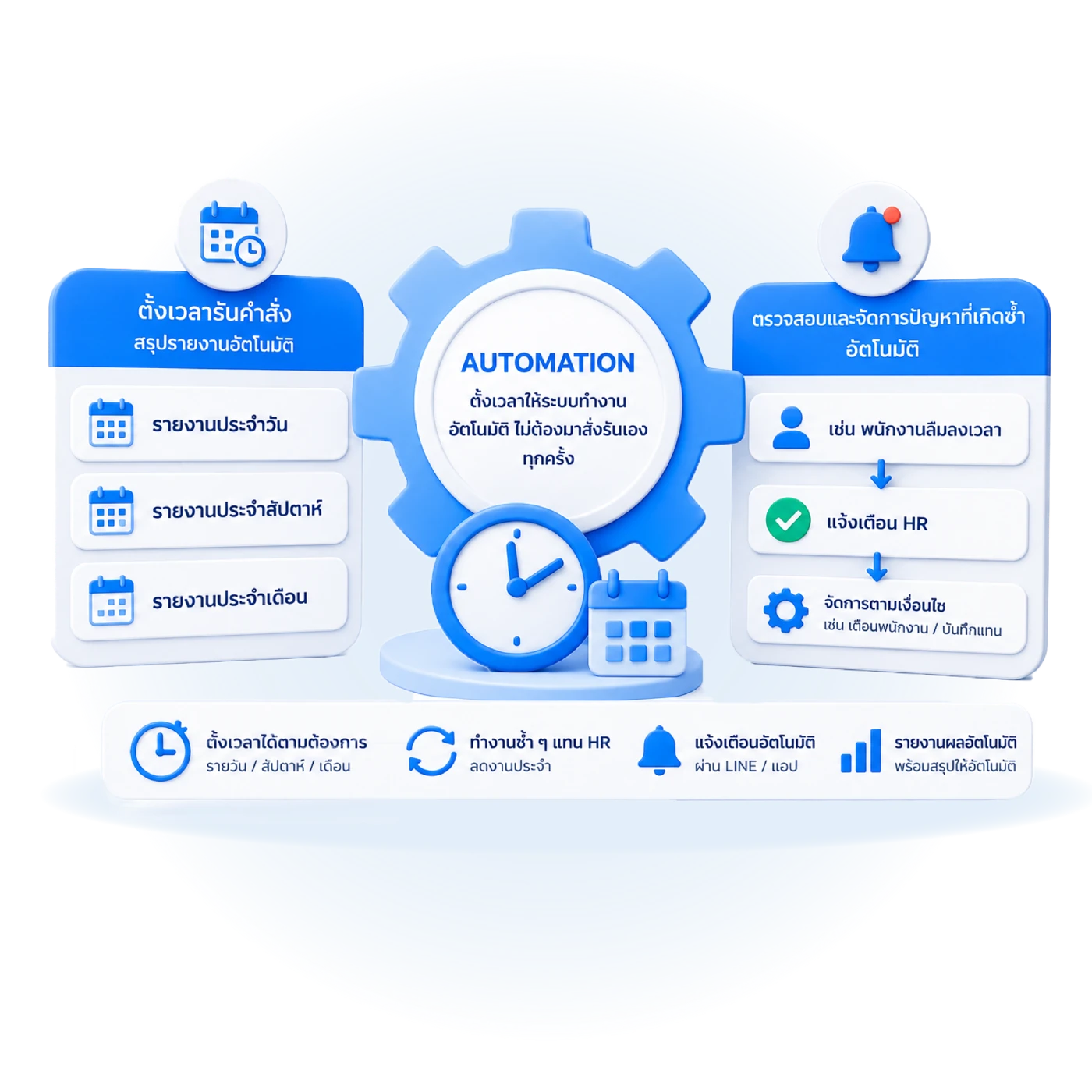
Command run time settings
Take management to the next level with Automated Notification on HumanSoft Notify, so you never miss what is happening in your organization:
- Real-time report summaries Get key reports, such as daily absences or working-hour summaries, sent straight to your group at the time you set
- Schedule it your way Set alert times to match operations, e.g. run at 10:00 to get an accurate list of who is absent that day
- Resolve issues fast Supervisors and HR are informed instantly on their smartphones, so they can manage staffing and respond in time
No more pulling reports yourself: let the system report to you every morning, saving time and reducing errors!
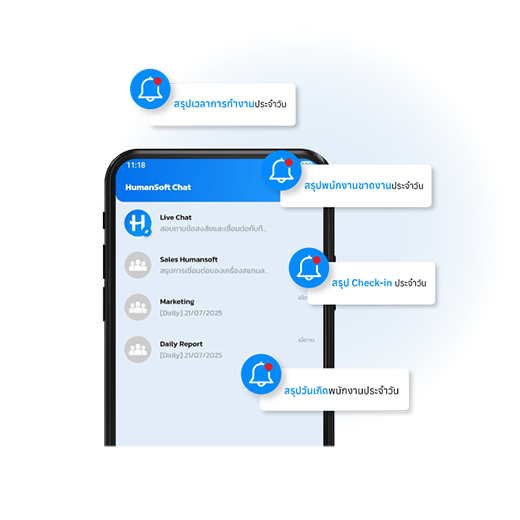
HumanSoft Notify settings
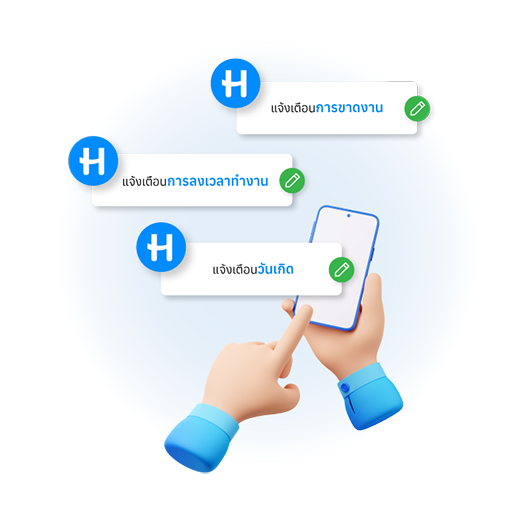
Make HR work easier with HumanSoft Notify, which creates automatic notification groups so you can follow key information in real time:
- Attendance summary See how many employees came to work each day instantly
- Easy checks Track each employee’s clock-in and clock-out accurately
- A better atmosphere Never miss a team member’s birthday
- Easy setup Choose the recipient groups and the data you want to be notified about
Referral fee settings
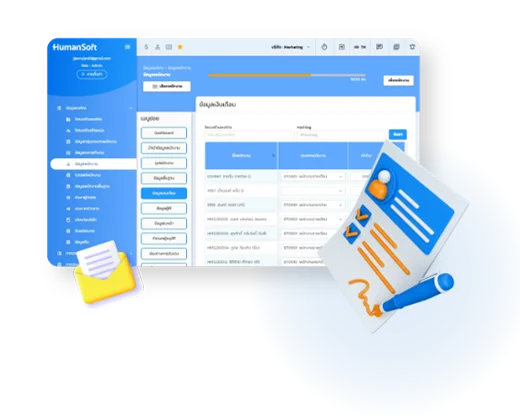
No more worrying about forgotten clock-ins. The Suggestions menu in the employee Mobile App works like a personal assistant for employees and HR:
- Protect employee entitlements Alerts employees right away when they forget to clock in or work past their shift, so they can request OT in time and not lose out
- Fewer payroll errors The system flags attendance errors so employees can correct them before the pay period closes
- Easy HR checks HR can review irregular attendance via a web browser on the payroll calculation page, for 100% accurate pay
Frequently asked questions
Still have questions? Ask the AI assistant right away, or browse all FAQs.
How does HumanSoft AI help HR?
HumanSoft has AI features that help HR, including resignation risk analysis (Resignation Signal), employee costs by department (Employee Cost Insight) and Automation for routine work, all running on data the system already holds.
How does the resignation risk analysis (Resignation Signal) work?
The system analyzes existing work data, such as leave patterns, lateness and review results, and turns it into signals that help HR spot employees who may be at risk, so they can step in sooner. Results depend on the data accumulated in the system.
Can I analyze employee costs by department?
Yes. Employee Cost Insight shows employee costs by department, giving management a clear view of personnel costs from data in the system.
Do I need my own data team to use the AI features?
No. These features run on the HR data already in the system and summarize results automatically, so you can use them without a data team. Free 30-day trial.
 Organization structure
 Recruitment
 Time attendance
 Documents and approvals
 Automated payroll
 Learning and training
 Communication and task assignment
 AI and Insight
 HRMS
 LINE