HumanSoft โปรแกรม HR

Shift work information

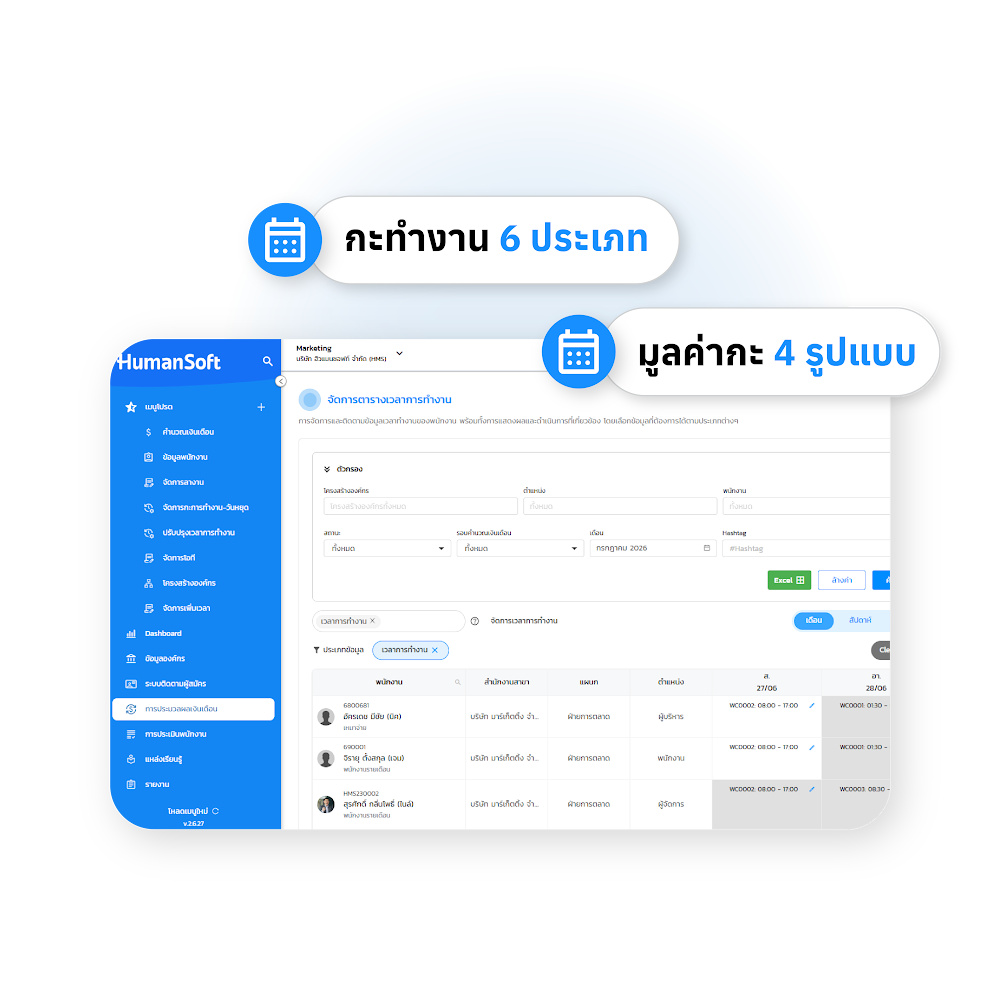
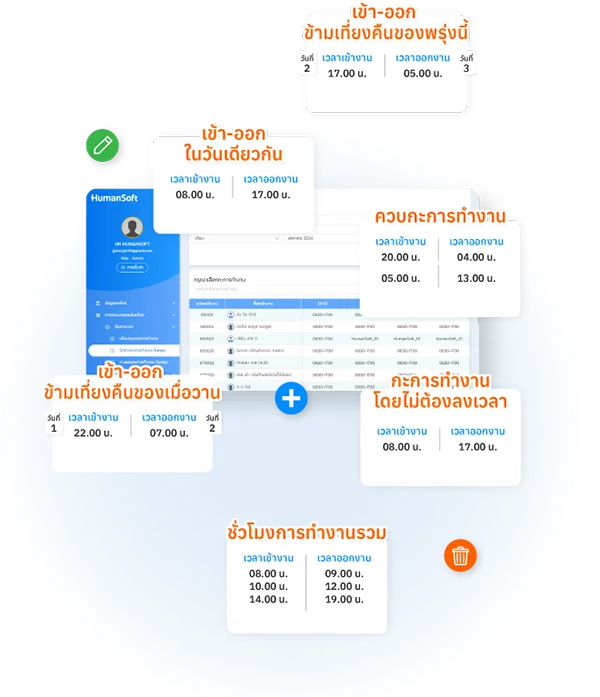
Shift work information involves creating work schedules that align with the organization's usage conditions. The HumanSoft system has a total of 6 types of shift schedules

  1. Set working hours on the same day — To enter and exit work according to the specified time on the same day
  2. Set working hours that cross midnight tomorrow — To enter and exit work according to the specified time, crossing midnight tomorrow
  3. Set working hours that crossed midnight yesterday — To enter and exit work according to the specified time, crossing midnight yesterday
  4. Set total working hours — To enter and exit work at any time, but you must meet the required number of hours per day
  5. Set work shifts without clocking in — To enter and exit work according to the specified time, without the need to record working hours
  6. Set overlapping work shifts — In one working day, there can be more than one work shift

And each work shift can be configured with a value for the work shift type. There are a total of 4 types of work shift values, namely

  1. Calculate based on salary — When employees work this shift, they will be paid according to their daily wages
  2. Determine the value of this work shift — When an employee works this shift, they will receive compensation based on the predetermined shift value
  3. Add additional value for this work shift — When employees work this shift, they will receive wages equal = Daily wage rate + shift value
  4. Add the number of times the overtime pay for this shift — When employees work this shift, they will have additional wages added, according to the specified amount of wage increase
Shift work information

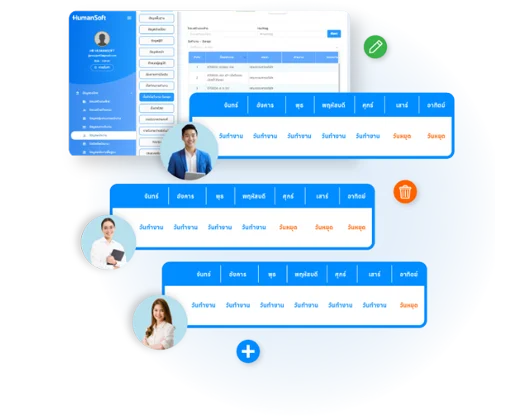
Weekend

The weekend information. Employees must have work or weekend information per employee per week. HR will be responsible for planning for employees according to the usage conditions of each organization as appropriate.

Weekend

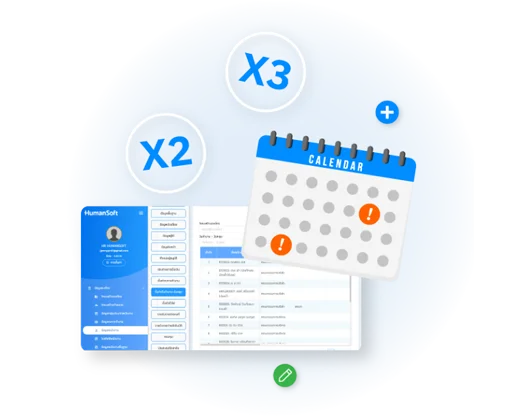
Special workday

Manage Special Days more effectively with a system that allows HR to define detailed and flexible compensation conditions tailored to company policy:

  • Customizable Pay Rates: Set independent multipliers as needed, such as 2x pay for public holidays or special company-designated days.
  • Integrated Attendance Tracking: Automatically sync daily attendance data—including absences, late arrivals, or early departures—with payroll calculations to ensure pinpoint accuracy.
  • Tax and Benefits Management: Configure whether special earnings are included in calculations for personal income tax, Social Security (SSO), or Provident Fund contributions.
Special workday

Manage work shifts and Weekend

Shift and Holiday Management is a system for workforce planning where HR creates schedules for employees. HR can manage shifts for multiple employees simultaneously or individually. Management can be handled through:

  • The Shift and Holiday Management menu within the HumanSoft system.
  • Downloading a template for external management and then importing it back into the system.

Additionally, HR can plan work shifts, holidays, and manpower allocation with clearly separated management modules.

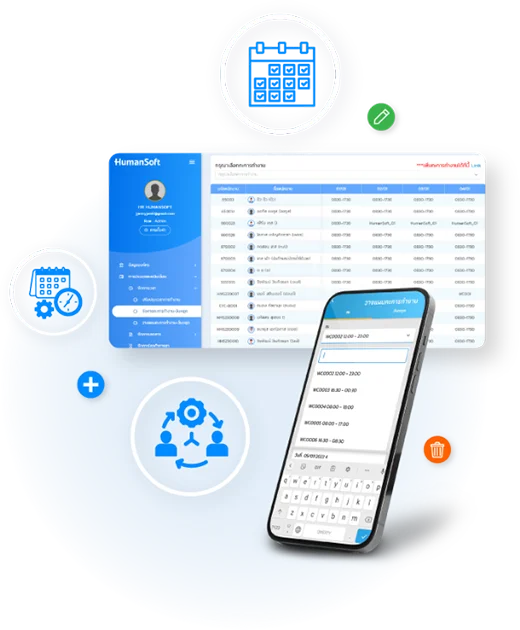
Plan work shifts and Weekend

Adding work shift planning for employees allows employees to schedule their own work shifts. HR is responsible for adding these shifts, and employees can plan their schedules through the mobile application

Manage work shifts and Weekend

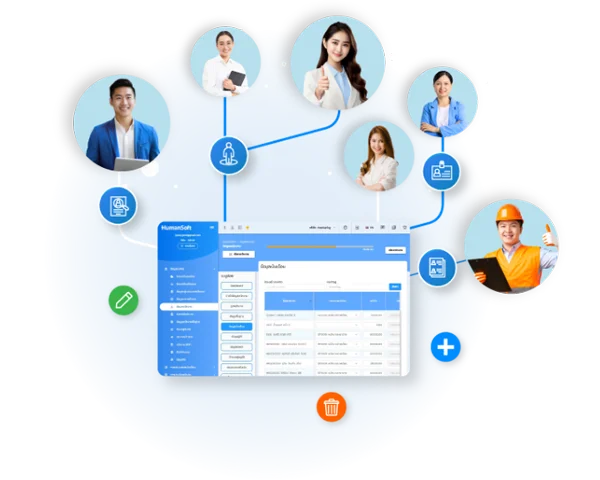
Manage workforce plan

Workforce Structure Management involves planning the personnel requirements for each Business Unit. Each unit consists of the following components:

  • Job Assignment: Mapping employees with the specific skills required by the Business Unit to designated job roles.
  • Time Frame: Defining the operational period for the Business Unit, allowing for flexible workforce allocation based on the unit's specific needs.
  • Cost Calculation: Automatically calculating the Business Unit's labor costs based on the organization's allocation standards.
Manage workforce plan
hms-helpful-shadow svg fileHumanSoft Payroll & HR SolutionTry Free 30 days All HR's functions
  • Free setup service.
  • No expenses at all.
  • Dismiss at any time.
Try it free
LINEChat with usContact Us30 วันTry for
FREE