
HumanSoft โปรแกรม HR

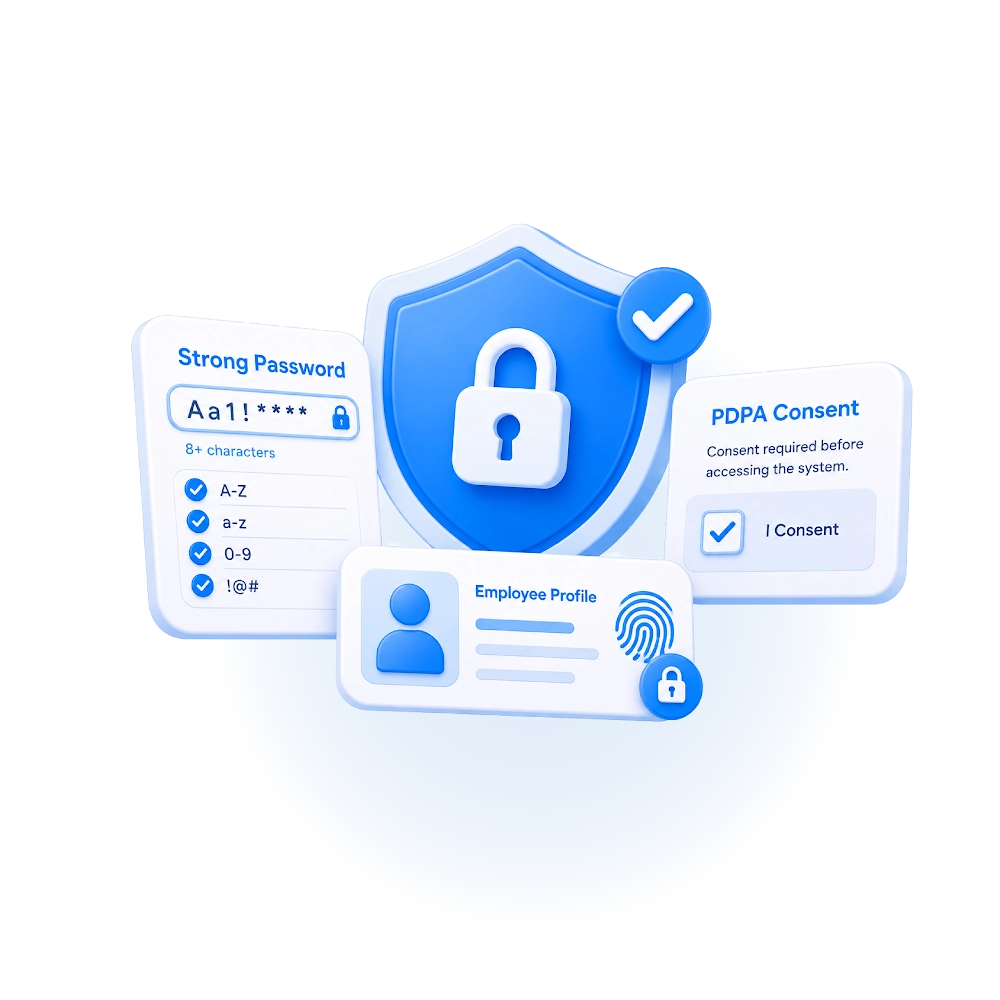
Strong Password

This is a setting for passwords to make them more difficult to guess, in order to increase the security of the system for users. The password setting must be 8 characters long and consist of

  1. Uppercase English letters
  2. Lowercase English letters
  3. Numbers
  4. Combined special characters or symbols

When enabled, the changes will take effect when employees choose to update their passwords or when new employees log in for the first time. For example, A@b12345
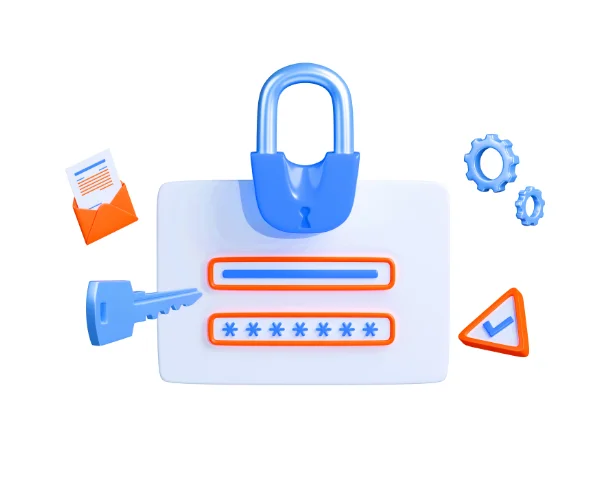
โปรแกรม HR HumanSoft Log in Sign in with Password

PDPA Conceal

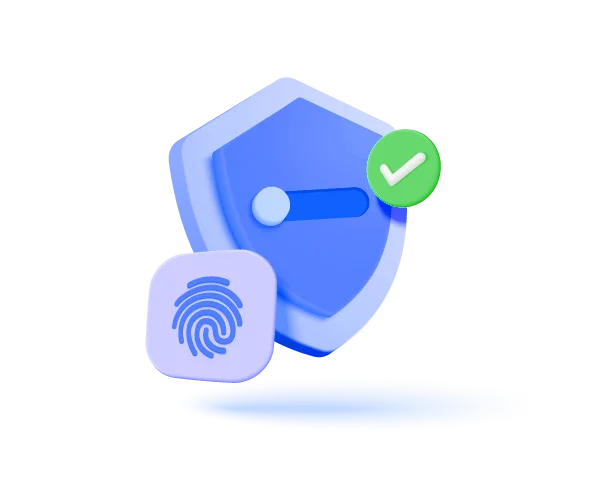
Consent to disclose the data owner's privacy policy with the HumanSoft system is required for users to be able to use the system. If you do not consent, you will not be able to use the HumanSoft system.

โปรแกรม HR HumanSoft PDPA นโยบายความเป็นส่วนตัว

Frequently Asked Questions (FAQ)

The system enforces a Strong Password of at least 8 characters, requiring a mix of uppercase, lowercase, numbers, and special characters.
Data is protected by a strict password policy and a PDPA consent mechanism, alongside role-based data access permissions.
hms-helpful-shadow svg fileHumanSoft Payroll & HR SolutionTry Free 30 days All HR's functions
  • Free setup service.
  • No expenses at all.
  • Dismiss at any time.
Try it free
LINEChat with usContact Us30 วันTry for
FREE
