
Payroll software and HR system for construction contractors
However many job sites you run, manage them with ease
- Easily calculate labor costs for each job site
- Easily calculate wages by skill level
- Supervisors clock in for their crews with ease
- Plan and calculate OT, hassle-free
- Leave requests never forgotten, never lost
- However staff clock in, the system combines it all automatically

Construction and architecture businesses we serve


However many job sites you run, manage them with ease
with HumanSoft HR software
Construction contracting is a business with strong potential for growth and profit, but it also comes with major challenges and risks. Managing work across different job sites is just as complex, since one employee may work at more than one site in a single pay period. That is why an HR management system is essential, so you can summarize and calculate every employee cost efficiently.
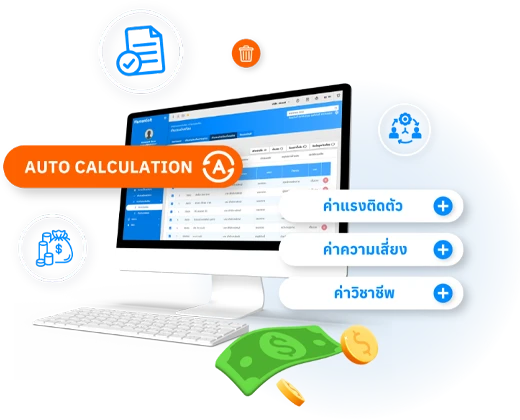
No more worrying about calculating wages by skill or different risk allowances
- Besides automatically calculating salaries, wages, taxes, compensation, benefits, and other payments, HumanSoft also handles skill-based wages and position-specific risk allowances with ease, thanks to comprehensive, automated settings.
- When OT is calculated as a separate period, you can set the date from which OT calculation starts, keeping it separate from the regular payroll period.
- When work hours, absences, leave, and lateness are calculated separately from the regular payroll period, you can choose whether to pay them with the regular payroll or calculate and pay them separately.
- You can make special-period payments such as bonuses, commissions, and other income. For special periods, you can set the payment date and download special-period payslip reports and payment summary reports as both Excel and text files.
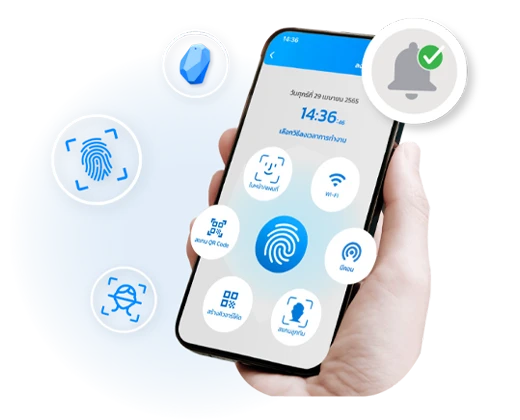
No more problems with crew members who can’t use the time clock app
- Online time attendance makes clocking in much faster and easier for employees, whether through the mobile app or any of the many time clock devices HumanSoft supports.
- Supervisors can clock in on behalf of their crew by scanning crew members’ faces, which is fast and convenient for businesses whose staff can’t easily clock in via the app or other devices, such as construction contractors.
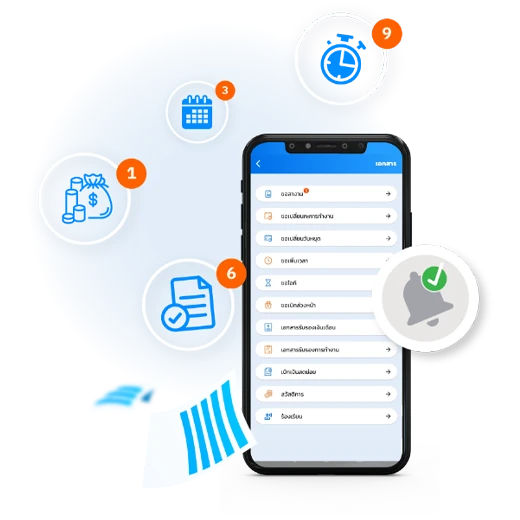
Supervisors submit online leave requests for their crew
- Both employees submitting requests and supervisors approving them can do it quickly and easily online via the mobile app.
- Even if employees can’t submit requests themselves, supervisors can submit on their behalf, whether for leave, OT, salary advances, shift changes, day-off changes, salary or employment certificates, petty cash, benefit claims, complaints, or employment contracts.
- HR can set up to 5 approval levels, so managers and HR no longer deal with lost documents, paperwork chaos, or delayed approvals.
Plan OT for your crew in advance, conveniently
- When an urgent job comes up, HumanSoft lets you plan OT for employees in advance in real time.
- You can set skill-based pay conditions and OT hours, with up to 8 OT setting cards covering every type of OT.
- Employees can submit OT requests via the mobile app and web browser, or supervisors can submit OT requests for their crew, so requesting OT is no longer complicated or time-consuming.
Evaluate employees by job site or individually
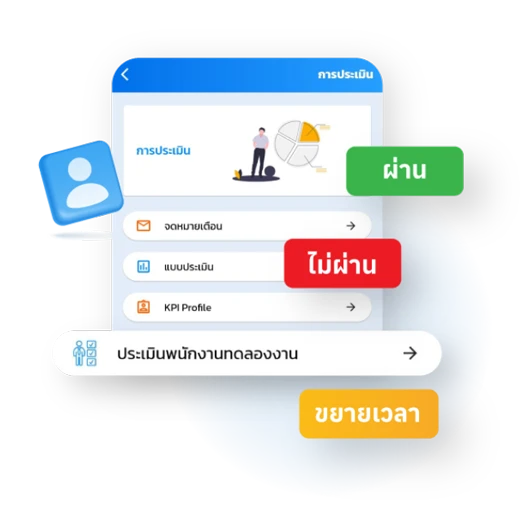
- Evaluate both regular and probationary employees by creating evaluation forms with a wide variety of answer formats, and assign an average score to each question.
- Data can automatically feed KPI evaluations. You can set both internal and external KPI indicators using data straight from the system, assign scores to each item, and choose color schemes for easy presentation.
Schedule, rotate, and swap shifts instantly
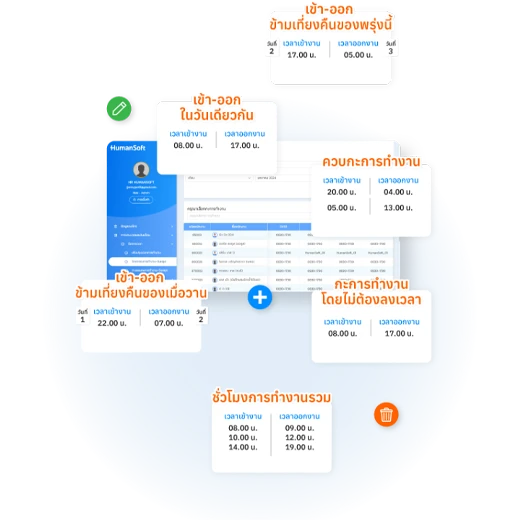
- Supervisors can manage employee shifts in real time, whether swapping shifts, rotating shifts, or even combining 2 shifts with special pay for the second shift.
- You can schedule work shifts, days off, and staffing for many employees at once or one at a time.
- Employees can plan their own shifts via the mobile app, helping supervisors keep every job site properly staffed, professionally.
Frequently asked questions
Still have questions? Ask the AI assistant right away, or browse all FAQs.
Can a construction contractor with multiple job sites manage staff with HumanSoft?
Yes. Manage any number of job sites from one place, and efficiently calculate the costs of each site.
Can the system calculate skill-based wages and risk allowances for construction work?
Yes. It automatically calculates wages by skill level and the different risk allowances for each job.
What if crew members on site can’t use the time clock app?
Supervisors can clock in and submit online leave requests on their crew’s behalf, solving the problem of crew members who can’t use the app themselves.
How can employees at construction sites be evaluated?
Evaluate by entire job site or individually, and plan OT for your crew in advance with ease.
 LINE