

What Is an Attendance App and How Does It Help HR?
An attendance app records clock-in and clock-out times on mobile devices and sends the data to HR for review. It is suitable for office-based, field-based, and Work from Home
An attendance app is software that allows employees to record clock-in and clock-out times on a mobile phone. It typically integrates with HR software to consolidate attendance data in one system. Some systems support facial recognition, GPS location, Wi-Fi, Beacon, or QR codes, allowing organizations to choose a check-in method that suits each workplace and work arrangement.
Table of Contents:
- What Is an Attendance App and How Does It Help HR?
- What Check-in Methods Does an Attendance App Support?
- What Problems Does Each Check-in Method Address?
- Benefits of an Attendance App
- Solve Attendance Challenges with the HumanSoft Attendance App
- Summary: What Is an Attendance App and How Does It Help HR?
- FAQ: Frequently Asked Questions About Attendance Apps
What Check-in Methods Does an Attendance App Support?
Attendance apps support multiple check-in methods. Organizations can choose the options that best match their work arrangements and company policies, while employees can review their own attendance records in the app. The main methods include:
-
Face and GPS: Verify identity using facial recognition while checking the employee’s location at check-in
-
Scan a QR Code: Scan a QR code to check in at a company-designated location
-
Time App: Use a QR code to check in on a shared mobile device
-
Wi-Fi: Check in when connected to a company-designated Wi-Fi network
-
Beacon: Check in via a Bluetooth signal within a designated area
-
Team Member Scan: Allows a supervisor to scan an employee’s face and record attendance for team members without a mobile phone
What Problems Does Each Check-in Method Address?
| Check-in Method | Common Problem | How It Helps |
|---|---|---|
| Face and GPS | Employees work off-site, making it difficult to verify who checked in and from where | Uses facial recognition to verify identity and checks location at check-in |
| Wi-Fi | Employees must check in at the office, but GPS location may be inaccurate | Allows check-in only when connected to the company’s Wi-Fi |
| Beacon | A multi-story office or factory makes GPS-based area verification insufficiently precise | Restricts check-in based on the Bluetooth signal range in each area |
| QR Code Scan | The organization needs a clearly defined check-in point without installing a dedicated scanner | Employees scan a QR code at the designated check-in point |
| Time App | Each branch has only a few employees, making scanners at every location impractical | Uses a mobile phone as a shared check-in device |
| Team Member Scan | Some employees do not have or cannot conveniently use a mobile phone | A supervisor scans the employee’s face and records attendance for team members |
*Information as of September 2026
Benefits of an Attendance App
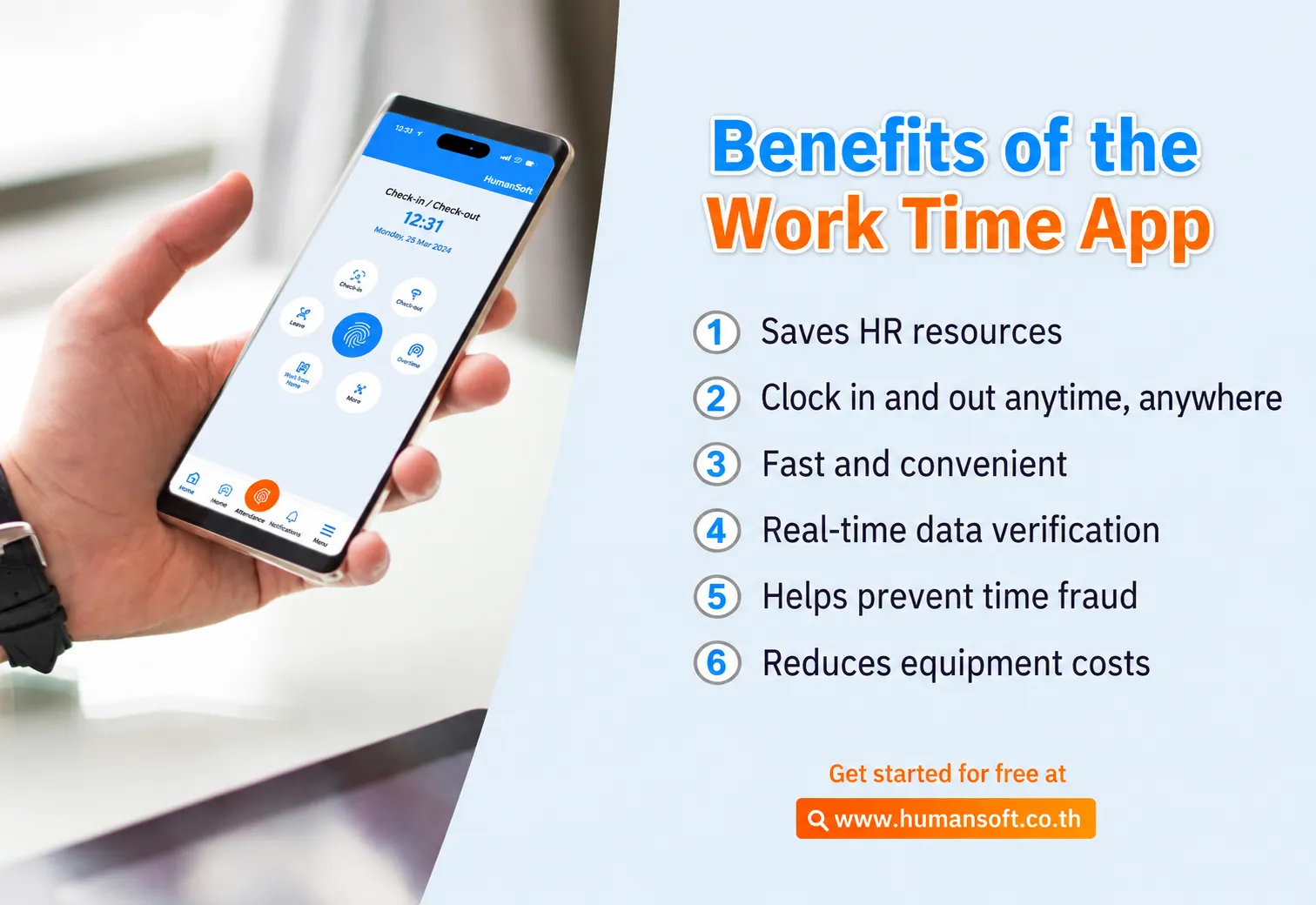
1. Saves Resources
It saves resources by reducing the amount of paper used for attendance records and other employee documents.
2. Employees Can Check In from Anywhere
An attendance app allows employees to record their working hours anytime and anywhere without traveling to the office solely to check in. HR also avoids manually entering their attendance later.
3. Convenient and Fast
When employees check in through the app, their attendance data is sent directly to the system administrator or HR team, eliminating the need to retrieve records from separate devices later.
4. Provides Verifiable Attendance Data
In addition to recording time, an attendance app can capture the location of each check-in. HR can review where employees recorded their attendance and verify whether they actually checked in or worked at the specified location.
5. Prevents Buddy Punching
Traditional time cards or sign-in sheets may allow employees to record attendance for one another. An app with facial recognition verifies identity and reduces buddy punching.
6. Reduces Equipment Costs
Employees can record attendance through the app without additional timekeeping equipment or printed attendance sheets for daily clock-in and clock-out signatures.
Solve Attendance Challenges with the HumanSoft Attendance App
The attendance system from HumanSoft supports multiple methods, including facial recognition, GPS, Wi-Fi, Beacon, QR codes on a shared device, and offline check-in. Organizations can select the right method for each employee group, while attendance data flows into the system for HR to review and manage in one place.
Summary: What Is an Attendance App and How Does It Help HR?
As mobile phones have become central to everyday life, app-based attendance offers a practical way to support modern work. Employees can choose from multiple check-in methods anytime and anywhere, making attendance management easier for both employees and HR.
An attendance app offers more than employee check-in, with many additional features available. HumanSoft is one option that helps HR teams and business owners work more efficiently, making it a suitable solution for organizations of all types.
FAQ: Frequently Asked Questions About Attendance Apps
How Can Employees Check In If They Cannot Download the App?
Employees can check in through HumanSoft LINE OA using their mobile phone’s GPS location or scan a QR code on a Time App device. The attendance data is sent to the system administrator as usual.
How Can Employees Check In Without a Mobile Phone?
Employees can use Time App, which turns a shared mobile phone into a check-in device. Alternatively, a supervisor can use Team Member Scan to scan an employee’s face and record attendance on their behalf.
Can Employees Check In Without an Internet Connection?
Yes. Employees can use offline check-in. The device stores the attendance data and sends it to the system once the internet connection is restored.
Read More Related Articles



