
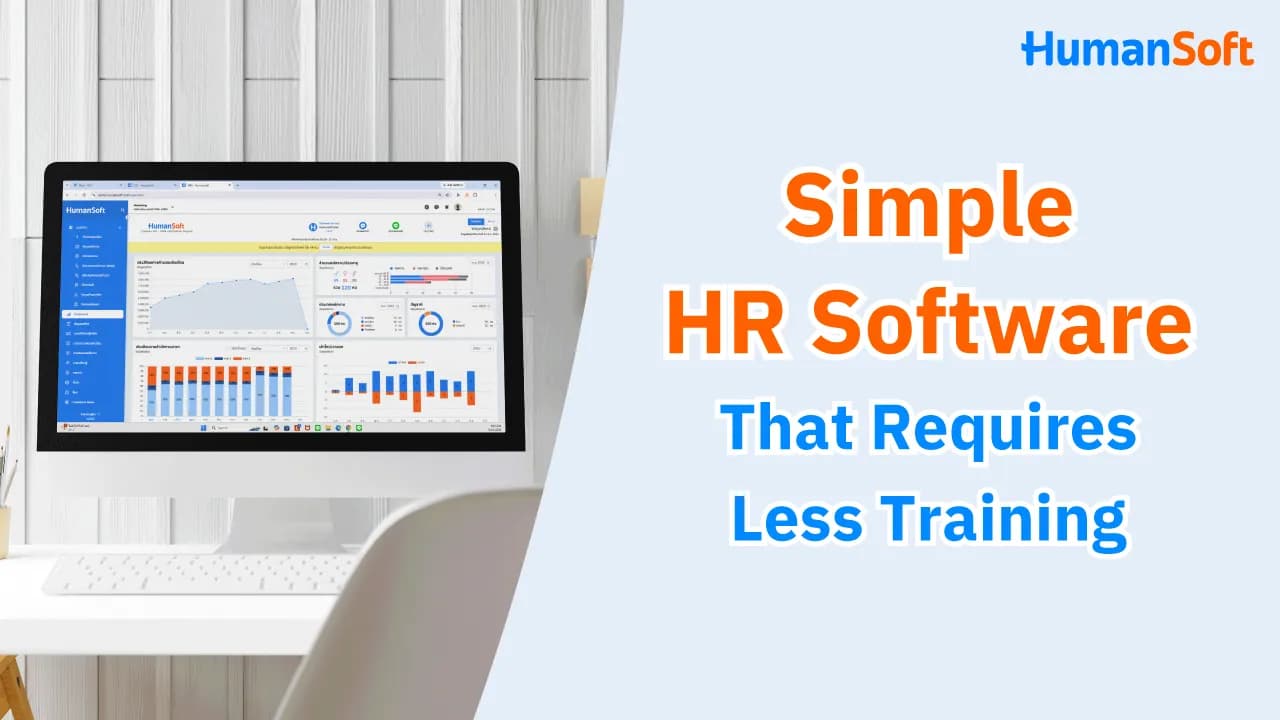
How to Choose Easy-to-Use HR Software That Requires Minimal Training
If you are looking for HR software that does not require extensive training, choose a system with intuitive menus, workflows that match your actual processes, employee self-service for basic tasks, and a team that assists with system setup or data migration. Most importantly, test everything from time attendance and document submission and approval to payroll calculation before choosing the software.
Table of Contents:
- How to Choose Easy-to-Use HR Software That Requires Minimal Training
- What Makes HR Software Easy to Use?
- Why Is Easy-to-Use HR Software Important?
- What Features Should Easy-to-Use HR Software Include?
- How Does Easy-to-Use HR Software Differ From a Complex System?
- How Does HumanSoft Help Organizations Get Started With HR Software?
- Summary: Easy-to-Use HR Software That Requires Minimal Training
- FAQ: Frequently Asked Questions About HR Software
What Makes HR Software Easy to Use?
Easy-to-use HR software should have clear menus, straightforward processes, integrated HR functions, and a support team that helps you get started more quickly.
Why Is Easy-to-Use HR Software Important?
-
Reduce implementation time. When menus and workflows are easy to understand, teams spend less time learning the system.
-
Reduce repeated employee questions. If employees can find the menus for leave requests, payslips, time attendance, and online documents themselves, HR does not need to answer questions or complete these tasks for them.
-
Reduce errors caused by incorrect system use. An intuitive system makes users less likely to select the wrong menu, submit incomplete information, or skip important steps.
-
Help new employees learn faster. HR does not need to provide full training every time. An easy-to-use system helps employees understand basic tasks immediately through its menus and processes.
What Features Should Easy-to-Use HR Software Include?
1. Simple Menus and Interfaces
This is especially important for menus employees use regularly, such as:
-
Payroll calculation
-
Document submission and approval
-
Employee information
-
Settings
2. Employee Self-Service
Employee self-service allows employees to complete certain HR tasks themselves, such as viewing payslips, requesting leave, or checking personal information, without relying on HR every time.
3. Mobile Application
A mobile application gives employees access to frequently used HR functions on familiar devices, making the system easier to use without unnecessary complexity.
4. Connected HR Data
Easy-to-use software should not require HR to repeat the same work across multiple systems. Its workflows should connect, for example: Time attendance → Leave/OT → Approval → Payroll → Payslips. When data flows automatically between processes, HR does not need to export files, consolidate information, or re-enter data every month.
5. Support and Implementation Assistance
Even if a system is designed to be easy to use, organizations still need to configure basic information such as employees, shifts, salaries, and access permissions. Check whether the provider offers services such as:
-
Existing data import
-
Training
-
User guides
-
Customer support
How Does Easy-to-Use HR Software Differ From a Complex System?
|
Criteria |
Complex HR System |
Easy-to-Use HR Software |
|
Getting Started |
Requires users to learn numerous steps |
Makes it easy to begin with core workflows |
|
Menus |
Has many menus that are difficult to navigate |
Organizes menus by task |
|
Document Submission |
Requires multiple steps |
Provides clear steps for completing each task |
|
Employee Use |
Employees often need help from HR |
Employees can complete basic tasks themselves, such as recording attendance, submitting documents, and viewing payslips |
|
Mobile App |
May not be available |
Provides access to essential tasks through a mobile device |
|
Training |
Requires several training sessions |
Focuses on the workflows employees actually use |
|
Support |
Users must manage issues themselves |
A support team assists users according to the provider’s service terms |
*Information as of August 2026
How Does HumanSoft Help Organizations Get Started With HR Software?
Organizations concerned about changing systems should consider ease of use, implementation, data migration, customer support, and the opportunity to try the software before purchasing it.
With HumanSoft customer support is currently included in its packages. The company provides free implementation assistance and a team of experienced trainers who offer free system training. It also provides a free 30-day trial with access to all features, allowing organizations to test workflows before choosing a package.
Depending on the selected package, the system includes features ranging from payroll and employee data to document submission, a mobile application, shift scheduling, approvals, and employee self-service. Before deciding, HR staff, employees, and supervisors should all test the system in real working conditions.
Summary: Easy-to-Use HR Software That Requires Minimal Training
Easy-to-use HR software should have clear menus and straightforward workflows, allow employees to complete basic tasks themselves, and connect attendance, leave, and OT data with payroll so HR does not need to re-enter information.
It should also include a mobile application, employee self-service, and a support team that helps with implementation so organizations do not spend unnecessary time training users.
FAQ: Frequently Asked Questions About HR Software
What Makes HR Software Easy to Use?
Easy-to-use HR software should have intuitive menus and simple processes. Employees should be able to complete basic tasks themselves, while HR should be able to manage employee data, attendance, documents, and payroll without switching between multiple systems.
Does HR Software Require Training Before Use?
Basic introductory training is recommended, especially for HR personnel and system administrators. However, the amount of training required depends on the workflows and features the organization uses.
How Can You Tell Whether HR Software Is Truly Easy to Use?
Ask HR staff, employees, and supervisors to test actual tasks themselves, such as recording attendance, requesting leave, approving documents, and calculating payroll. If users can complete these tasks without help at every step, the system has a manageable learning curve.
Can a Business Without an IT Team Use HR Software?
Yes. Choose a cloud-based system with a support team that helps with setup, data migration, and day-to-day use so the organization does not need an internal IT team to manage the system.
What Are the Benefits of HR Software With a Mobile App?
A mobile app makes it easier for employees to access frequently used functions such as attendance, leave, OT, and personal information. It is particularly useful for organizations with field employees, multiple branches, or staff who do not work at a computer all day.
Read More Related Articles



