
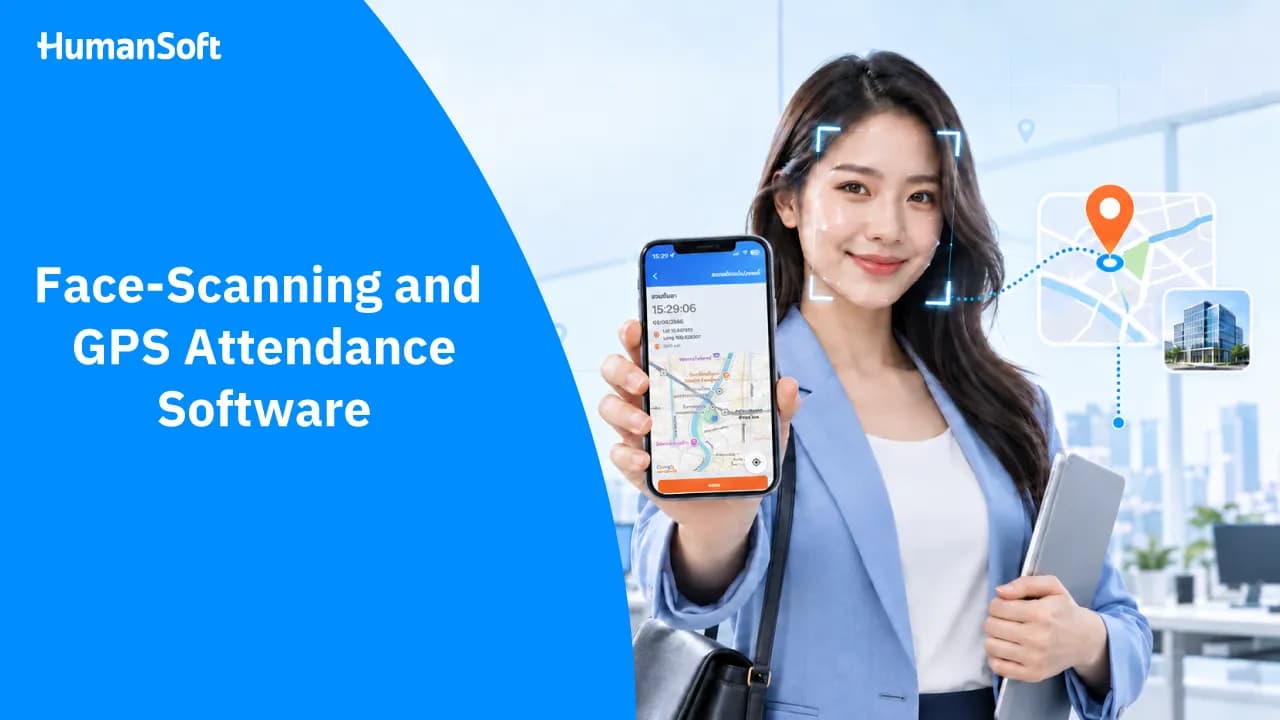
What Are GPS and Face-Scanning Attendance Systems?
Attendance software with face scanning and GPS verifies both employee identity and location at clock-in. It is ideal for organizations seeking to prevent buddy punching and manage employees across multiple locations in one system.
Employees today do not always work in one place. Some are office-based, some work across multiple branches, while sales teams and field staff regularly work off-site. Traditional attendance methods may therefore no longer meet every team's needs.
Attendance software that supports face scanning and the Global Positioning System (GPS) gives organizations another way to verify attendance data in greater detail. Employees can clock in via mobile devices, while HR can review the time, employee identity, and clock-in location in the system.
Table of Contents:
- What Are GPS and Face-Scanning Attendance Systems?
- What Is Attendance Software with Face Scanning and GPS?
- What Can Face Scanning and GPS Verify?
- What Types of Face Scanning Do GPS-Enabled HR Attendance Systems Support?
- How Are Face Scanning and GPS Different?
- What Problems Can Attendance Software with Face Scanning and GPS Help Reduce?
- How to Clock In with Face Scanning and GPS Using HumanSoft?
- Conclusion: Effective Attendance Software Should Verify More Than Clock-In and Clock-Out Times
- FAQ: Frequently Asked Questions About Face-Scanning and GPS Attendance Software
What Is Attendance Software with Face Scanning and GPS?
Attendance software allows employees to record their clock-in and clock-out times while using facial data and device location to verify each attendance entry. The data is sent to the system for supervisors or HR to review. The two technologies answer different questions:
-
Face scanning: Verifies who is clocking in
-
GPS: Verifies where the employee is clocking in from
When used together, they enable organizations to verify more than clock-in and clock-out times alone. However, actual capabilities—such as geofencing, designated clock-in points, and facial verification methods—vary by software. Organizations should test the system in real working conditions before making a decision.
What Can Face Scanning and GPS Verify?
Face scanning verifies employee identity
Face scanning uses an employee's facial data to verify their identity when clocking in. This helps reduce the risk of buddy punching or using another person's account. The general process is as follows:
-
The employee opens the attendance menu in the app
-
The system activates the camera to capture or verify the employee's face
-
The employee positions their face within the designated frame
-
The system verifies the employee's identity according to the configured conditions
-
The attendance time is recorded in the system
Organizations should choose software that clearly explains how facial data is stored and protected, and lets them define who is authorized to access it.
GPS verifies location at clock-in
GPS uses location data from a mobile device to show where an employee is when they clock in. Some organizations may define approved clock-in points or areas, such as an office, branch, project site, or customer service location.
GPS is therefore suitable for employees who do not work near a time clock throughout the day, such as:
-
Technicians or off-site service staff
-
Employees working at stores or multiple branches
-
Employees working at construction sites or project locations
-
Hybrid teams
It is important to understand that GPS identifies the device's location at the time of clock-in. Accuracy can vary depending on signal strength, the surrounding environment, and the device used. Organizations should therefore establish procedures for inaccurate locations or internet outages.
What Types of Face Scanning Do GPS-Enabled HR Attendance Systems Support?
Each system supports face scanning differently. Some allow employees to scan directly through a mobile app, while others work with connected scanners. Organizations should consider which method best suits their operations.
1. HumanSoft
HumanSoft is ideal for organizations that want to verify both “identity” and “location” via mobile devices. Employees can scan their face and verify their GPS location before clocking in. The system also supports designated attendance areas and an Offline mode that saves attendance records on the device, then automatically syncs them when the connection is restored. Other attendance methods include QR Code, Wi-Fi, and Beacon. Attendance data can also be passed directly to payroll calculation.
Best for: Multi-branch companies, sales teams, field staff, and organizations seeking an integrated HR–Payroll system
Tips Learn more about attendance tracking > HumanSoft Attendance System
2. hrzoft
hrzoft supports GPS attendance with configurable locations and clock-in/out radiuses. Its website states that identity is verified by taking and storing a facial photo for review, but does not mention automatic facial matching through the app. Face scanning is supported through connected scanners, and attendance data can be integrated with shifts, OT, leave, and payroll calculation.
Best for: SMEs seeking an online HR and Payroll system with essential functions in one platform
3. Tiger OpenSpace
Tiger OpenSpace by TIGERSOFT allows employees to clock in via a mobile app with GPS coordinates. Face scanning is supported through time-attendance devices connected to its HR and Payroll software.
Best for: Factories, offices, and organizations that want to use on-site face scanners or access-control systems
How Are Face Scanning and GPS Different?
|
Category |
Face Scanning |
GPS |
Used Together |
|
What it verifies |
Employee identity |
Device location |
Employee identity and location |
|
Primary device |
Camera or mobile device |
Location-enabled mobile device |
Mobile device with a camera and GPS |
|
Helps prevent buddy punching |
Directly helps prevent it |
Cannot directly verify identity |
Provides more comprehensive verification |
|
Best suited for |
Work that requires clock-in identity verification |
Multi-location and off-site work |
Organizations that need to verify both people and locations |
|
Key considerations |
Lighting, camera quality, and facial-data protection |
Signal quality and location inaccuracies |
Procedures are needed when verification fails |
The same attendance method does not need to be used across the entire organization. Office employees may use face scanners, while field teams use an app with GPS. If the software supports multiple methods in one system, HR can manage the data more easily than with several separate systems.
What Problems Can Attendance Software with Face Scanning and GPS Help Reduce?
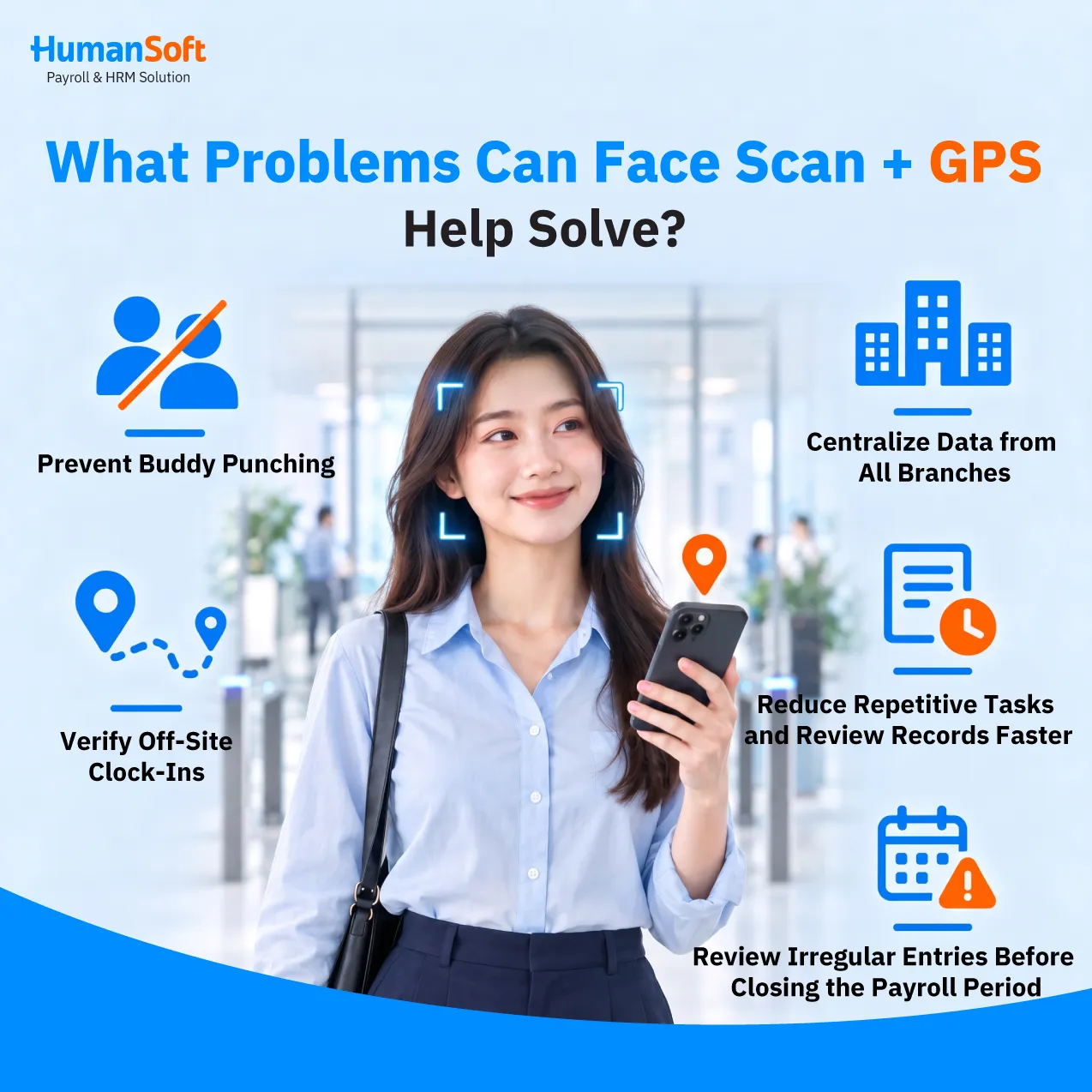
Reduce the risk of buddy punching
Employee cards, passwords, or sign-in sheets can be passed to someone else. Facial verification gives the system additional data to confirm the identity of the person clocking in, reducing opportunities for buddy punching.
Verify off-site clock-ins more easily
When an organization defines work areas, GPS data helps HR determine whether an attendance entry was made near an approved location. This is suitable for organizations with multiple branches or employees working at different sites.
Reduce the need to consolidate data from multiple branches
When every branch uses the same software, records no longer need to be kept separately on paper, in time-clock devices, or in different files. HR can review centralized data without waiting for each branch to send documents.
Reduce duplicate data entry
Attendance software integrated with HR processes keeps time records within the same workflow as workday, leave, and OT reviews. If it also connects with Payroll, HR does not need to copy data between multiple systems before calculating payroll.
Review irregular entries before closing the payroll period
HR can track missed clock-ins, late arrivals, absences, and other records requiring review before the payroll period closes. This reduces the volume of corrections needed during time-sensitive periods.
How to Clock In with Face Scanning and GPS Using HumanSoft?
HumanSoft supports employee attendance through its app, using GPS to verify location and face scanning to help confirm identity. Employees can therefore clock in from approved work areas under the conditions defined by the organization. The general process is as follows:
-
The employee signs in to the HumanSoft app
-
Open the attendance menu
-
Allow the app to access location and camera permissions when prompted
-
Check the date, time, and location
-
Scan the face and tap to record the attendance time
-
The data is sent to the system for HR to review
In addition to attendance, employees can use the app for leave, OT, shift changes, calendars, and notifications. Verified data can then be used in HR and Payroll workflows according to the organization's configuration.
Most importantly, organizations should configure work areas, attendance methods, shifts, and review procedures to match actual operations. A single set of conditions should not be applied to every employee group when their locations and types of work differ.
Conclusion: Effective Attendance Software Should Verify More Than Clock-In and Clock-Out Times
Attendance software with face scanning and GPS helps organizations verify who is clocking in and from which location. It is suitable for multi-branch organizations, field teams, shift-based businesses, and hybrid workplaces.
Before choosing a system, consider its accuracy, issue-handling procedures, geofencing options, data-access permissions, and integration with other HR functions. The right system should streamline the entire process—from employee clock-in to HR's payroll preparation.
If you are looking for attendance software that supports both GPS and face scanning, you can test HumanSoft with your organization's actual locations, shifts, and working arrangements to evaluate its suitability before making a decision.
FAQ: Frequently Asked Questions About Face-Scanning and GPS Attendance Software
Q: What equipment is required for face and GPS attendance?
A: Employees generally need a smartphone with a camera, GPS support, and an internet connection. Specific device requirements vary by software.
Q: What should employees do if the GPS location is inaccurate?
A: First, check that location services are enabled and the device is connected to the internet. Then try clocking in from an open area. If the location remains inaccurate, notify a supervisor or HR according to the organization's procedure.
Q: Does GPS attendance software track employees at all times?
A: No. HumanSoft records an employee's location only when they tap to clock in or out. It does not continuously track location throughout the day. For other software, check the provider's terms directly and clearly inform employees before implementation.
Q: Can employees across multiple branches use the same attendance software?
A: Yes, provided the software supports multiple branches, work areas, and permission settings for different employee groups. Test the configuration against the organization's actual structure before implementation.
Q: Can face scanning prevent buddy punching?
A: Face scanning helps verify that the person clocking in is the designated employee, reducing the risk of buddy punching. However, the system must be configured correctly and the data managed appropriately.
Read more related articles



