
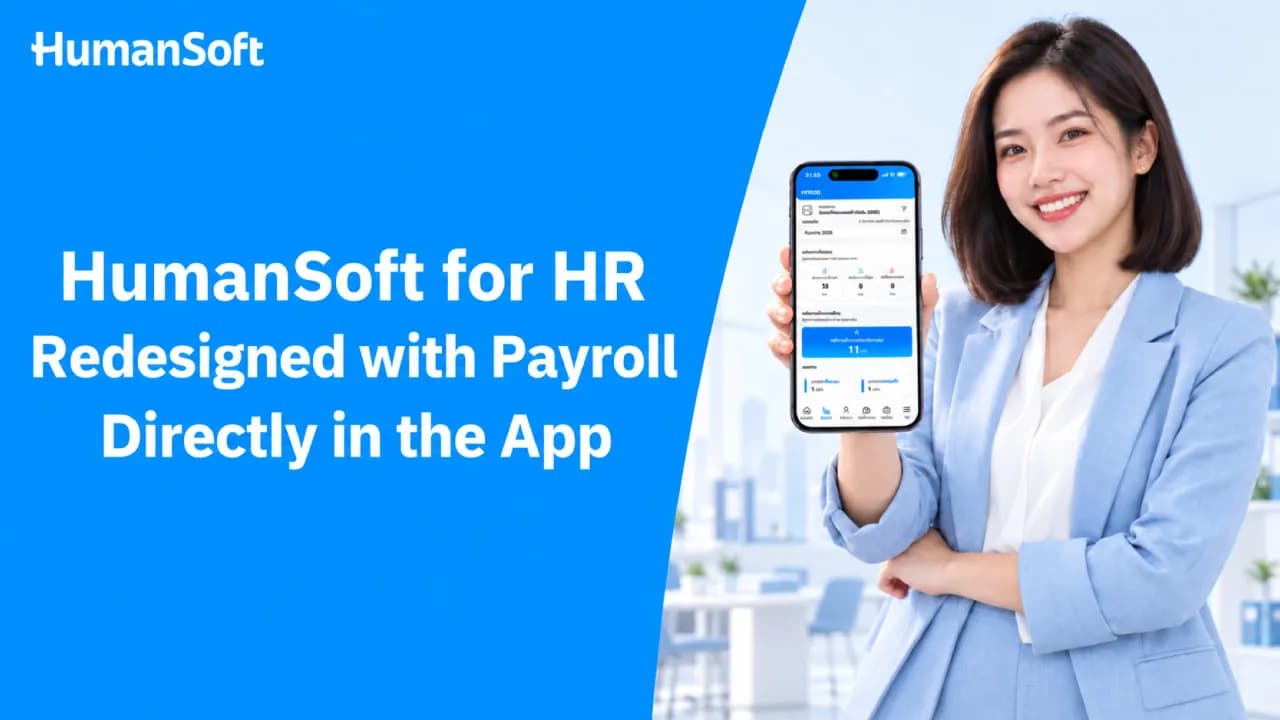
HumanSoft for HR Redesigned: Run Payroll Directly in the App
The redesigned HumanSoft for HR app lets HR teams calculate payroll, review individual results, and close payroll periods from a mobile device. Approved working hours, leave, and overtime flow into payroll automatically, eliminating the need to export and re-enter data into payroll software—one of the most common sources of payroll discrepancies.
Table of Contents:
- HumanSoft for HR Redesigned: Run Payroll Directly in the App
- Why Do Modern HR Teams Need an App with Built-In Payroll?
- How Is an HR App with Built-In Payroll Different from a Typical HR App?
- How Does HumanSoft for HR Run Payroll in the App?
- Which HR Tasks Should Be Managed Directly in the App?
- In Summary: What Kind of App Do Modern HR Teams Need?
- FAQ: Frequently Asked Questions About HR Apps
Why Do Modern HR Teams Need an App with Built-In Payroll?
Today, the scope of HR responsibilities extends from onboarding new employees to closing payroll. An HR app with built-in payroll is no longer just an optional extra; it becomes a core tool for the team because:
-
HR work happens outside the office: Hybrid employees, frontline teams, and branch offices can all use the same system.
-
Attendance data enters the system automatically: There is no need to consolidate attendance files before closing payroll.
-
Less paperwork: Leave requests, overtime requests, and other documents can be retrieved from the system at any time.
-
Approvals keep moving: Managers can approve requests from their phones and track every stage of the process.
-
Fewer repetitive questions for HR: Employees can check their remaining leave and payslips themselves.
-
One data set across the organization: This reduces duplicate data entry, a major cause of payroll discrepancies.
How Is an HR App with Built-In Payroll Different from a Typical HR App?
The difference lies in where the data goes. A typical HR app only records attendance and leave data, leaving HR to calculate payroll in another system. An HR app with built-in payroll uses the same data to calculate payroll immediately.
|
Process |
HR App Without Payroll |
HR App with Built-In Payroll |
|
Attendance Data |
Recorded in the app, then exported as a file |
Flows directly into the payroll period |
|
Overtime and Leave |
HR re-enters the data into payroll software |
Once approved by a manager, the system includes it in the calculation automatically |
|
Closing a Payroll Period |
Can only be completed on a computer |
Payroll can be calculated and individual results reviewed from a mobile device |
|
Payslips |
Printed and distributed, or emailed individually |
Employees view their own payslips in the app |
|
Risk of Data Discrepancies |
High, due to repeated data entry |
Low, because one data set is used throughout the entire process |
How Does HumanSoft for HR Run Payroll in the App?
The redesigned HumanSoft for HR app lets HR teams run payroll without waiting to return to a computer. In just a few steps, HR can calculate payroll, review results, and make payslips available to employees—all within one app:
-
Employees clock in and out, submit leave requests, and request overtime through the app.
-
Managers approve requests from their mobile devices, and the data enters the payroll period immediately.
-
HR calculates payroll according to the organization’s rules, including earnings, deductions, overtime, Social Security contributions, and taxes.
-
HR reviews each employee’s results, makes any necessary adjustments, and confirms the payroll closing.
-
Employees view their own payslips in the app.
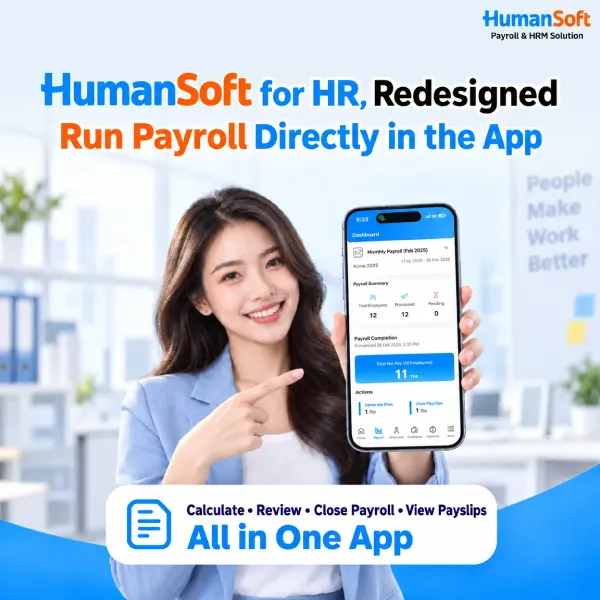
Overtime is one of the most common sources of errors because the applicable rate varies by day type and employee category. If you are unsure about the formula, we recommend reading How to Calculate Overtime Correctly Under Thai Labor Law as well. Once overtime is approved in the app, the system automatically includes it in the calculation without duplicate data entry.
Note: Packages that support in-app payroll calculation >> Standard, Advanced, and Professional
Which HR Tasks Should Be Managed Directly in the App?
The best tasks to manage in an HR app are high-volume processes that repeat the same steps every time. These four categories take up the most HR time each month:
1. Issue Employee Certificates
Requests for documents such as employment certificates arrive throughout the month. When requests are submitted through the HR app, the system automatically retrieves each employee’s position and start date, so HR does not need to open individual personnel files. View the details and download the document from the Employment Certificate Template.
2. Approve and Issue Internal Documents
Documents requiring multiple signatures often stall while waiting for approval. In-app approvals keep documents moving and record who approved them and when. This audit trail is especially important for documents with disciplinary implications, such as an Employee Warning Letter, where complete evidence must be retained.
3. Social Security and Employee Tax Administration
When employee data and payroll use the same system, HR does not need to prepare P.N.D.1 or SSO 1-10 filing data from scratch each month. For Social Security registration and termination, HR can review new hires and departing employees in the app, then follow the steps to register employees and report employee terminations to Social Security.
4. Position and Job Scope Information
The position structure changes whenever an employee transfers teams or receives a promotion, and these changes directly affect base salary. Keeping this information in the app allows managers to see who is responsible for what and helps ensure that each position’s Job Description always reflects the actual organization chart.
In Summary: What Kind of App Do Modern HR Teams Need?
Modern HR teams need an app with built-in payroll, not one limited to time tracking and leave requests. Transferring data from an app to a separate payroll system is one of the most time-consuming steps and a major source of discrepancies. When attendance, leave, and overtime flow into payroll automatically, HR only needs to review the results and close the payroll period.
Start using an HR app with built-in payroll >> The redesigned HumanSoft for HR app brings time tracking, document approvals, and payroll closing together in one system. Try every feature free for 30 days—no credit card required.
FAQ: Frequently Asked Questions About HR Apps
Q: After closing payroll in the app, can HR still file P.N.D.1 and SSO 1-10?
A: Yes. The system generates P.N.D.1 as a text file that can be imported into RD Prep and uploaded to the Revenue Department website. It also generates SSO 1-10 as an Excel report ready for upload to the Social Security Office’s e-Service system. The software prepares the filing files but does not submit them on your behalf.
Q: Does the payroll app support overtime, Thai Social Security, and Thai taxes?
A: An app developed for Thai organizations supports overtime rates by day type, Social Security contributions, and withholding tax. The settings can be configured according to each organization’s requirements.
Q: How secure is payroll data in an HR app?
A: A standards-compliant HR system uses role-based access controls. Employees can see only their own information, managers can access only the teams they oversee, and HR can view the organization-wide picture. The system also records access and data-editing history.
Q: Can employees who are not comfortable with technology use an HR app?
A: Yes. Employees only need to perform a few tasks in the app: clock in and out, submit leave or overtime requests, and view payslips. We recommend enabling these functions first, then gradually expanding to other document processes.
Q: How do we migrate from our current system to an HR app with built-in payroll?
A: The process generally begins with importing employee data and configuring approval workflows and payroll rules. For the first payroll period, compare the results with your previous method to verify accuracy before closing payroll.
Read More Related Articles



