

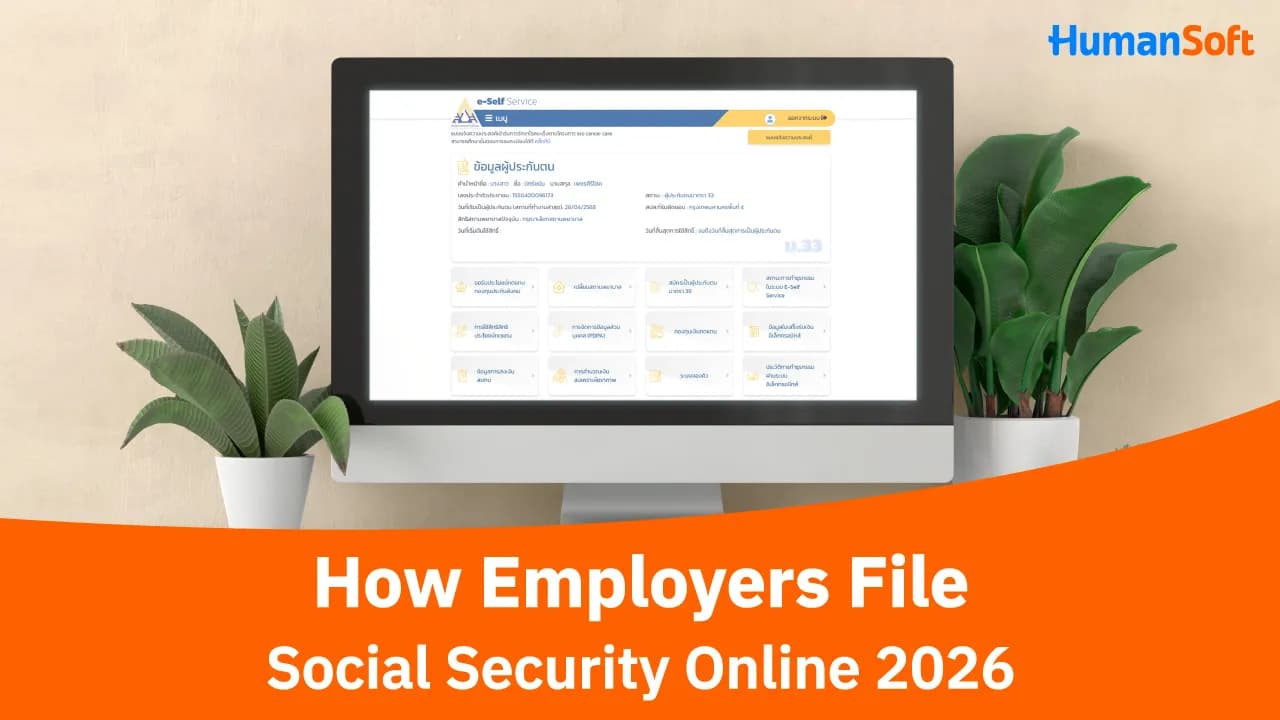
Online Social Security Contribution Submission for Employers
Employers can submit social security contribution reports through the Social Security Office’s e-Service system and make payments via e-Payment. Normally, contributions must be submitted by the 15th of the following month. However, for wages from the January 2025 payroll period onward, employers who submit through e-Service and pay via e-Payment are granted an additional 7 business days.
Note: Information updated as of October 2026
How Employers Can Submit Social Security Contributions Online

Employers can submit social security contributions online by following these steps:
1. Go to the Website
Go to the Social Security Office website, select “Establishment,” and then choose “Submit Contribution Information.”
2. Log In
Log in to the system and select the method for submitting social security contribution information.
3. Select a Submission Method
Select how you want to submit the information: enter the data manually, attach a file, or use information from a previous submission made through the e-Service system. Then click “Continue.”
4. Enter or Upload Information
Under “Enter/Upload Information,” if you selected manual entry, enter the required insured-person information. If you selected “Attach File,” choose the appropriate file type and upload the file.
5. Review and Confirm
Review the “Contribution Summary” to ensure that the information is correct and complete. Then click “Confirm Submission.” You can also download the payment information file.
6. Pay Contributions
Click “Make Payment,” select your preferred contribution payment method, and complete the payment.
7. Check Status and Receipt
You can review payment information and download the electronic receipt from the “Check Transaction Status” menu.
What Is the Deadline for Online Social Security Submission?
The deadline extension for electronic submissions is currently still in effect. Under the Ministry of Labour announcement B.E. 2567 (2024), employers who submit through e-Service and make contribution payments via e-Payment are granted an additional 7 business days.
| Submission Method | Deadline |
| Standard Submission and Payment | By the 15th of the following month |
| Submit via e-Service + e-Payment | Extended by 7 business days |
| Submit via e-Service without e-Payment | Should not be considered eligible for the deadline extension |
| Late Submission | Additional charges may apply under the law |
*Information as of October 2026
FAQ: Frequently Asked Questions About Social Security Submission for Employers
Q: If an employer has only one employee, must social security contributions still be submitted?
A: Yes, if the employee falls within a category that the employer is required to register and contribute for, the employer must comply with the Social Security Office’s requirements.
Q: If an employee resigns during the month, how should contributions be submitted?
A: Contributions should be submitted based on the wages and the period during which the employee remained insured in that month. The employer should also report the end of the employee’s insured status according to the Social Security Office’s procedures.
Q: After submitting contributions, what documents or evidence should be kept?
A: Keep proof of data submission, proof of payment, and the electronic receipt for future verification and for accounting and HR purposes.
Related Articles You May Be Interested In:
- Q&A: How Much Social Security Contribution Must Employers Pay?
- How Employers Can Report an Employee’s Social Security Termination After Resignation
- How Employers Can Submit Social Security Registration Documents Online
- What Types of Employee Income Must Employers Include for Social Security?
- The Importance of Social Security Contributions and How to Submit Them


