

What Is Payroll Software and How Does It Help HR?
Payroll Software helps manage the payroll process, from collecting attendance, OT, earnings, and deductions to calculating tax and Social Security contributions. It reduces manual data entry and calculations, making payroll easier for HR to review and manage systematically. Organizations should choose a system that supports their actual payroll rules and requirements.
Table of Contents:
- What Is Payroll Software and How Does It Help HR?
- What Is Payroll Software?
- 5 Benefits of Payroll Software That Improve HR Efficiency
- How Is Payroll Software Better Than Manual Payroll Management?
- What Features Should Good Payroll Software Include?
- HumanSoft Help Connect HR and Payroll?
- Summary: What Is Payroll Software? 5 Benefits That Reduce HR Work
- FAQ: Frequently Asked Questions About Payroll Software
What Is Payroll Software?
Payroll Software, or payroll management software, is a system designed to manage and process employee payroll within an organization. Payroll Software can support tasks such as salary calculations, attendance records, withholding tax , and more.
Today, HumanSoft HumanSoft shares five key benefits of Payroll Software that can make HR work more efficient. Let’s take a closer look.
5 Benefits of Payroll Software That Improve HR Efficiency
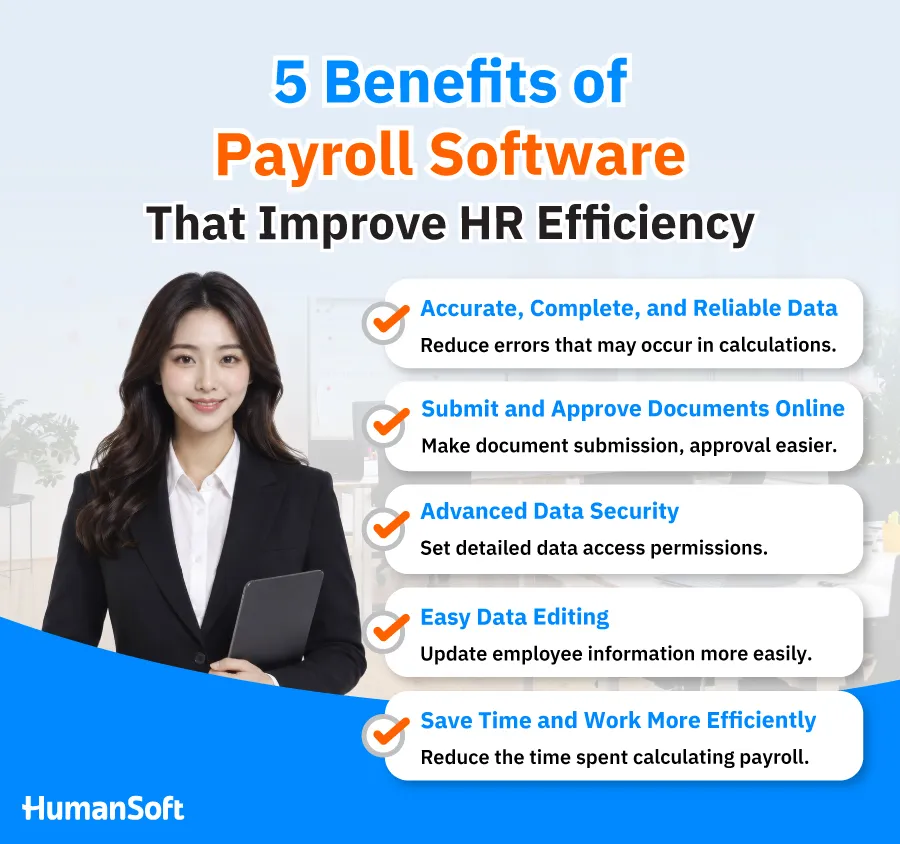
1. More Accurate and Complete Payroll Data
Payroll Software makes payroll calculations more systematic and helps reduce errors caused by manual data entry or calculations, including:
- Salary, earnings, and deductions
- Tax
- Social Security contributions
- OT and working hours
2. Submit and Approve Documents Online
Payroll Software can reduce paper-based processes and the need to send documents through multiple channels. Employees and approvers can complete tasks through a Mobile Application or web browser, such as:
- Submitting leave and OT requests
- Submitting HR requests or documents
- Reviewing and approving requests online
- Tracking document status more easily
3. Stronger Data Security
Payroll and employee information is sensitive, so the system should provide access controls such as:
- Defining who can view specific data
- Restricting data-editing permissions
- Assigning permissions based on roles or responsibilities
- Limiting access to sensitive payroll information
4. Easier Data Management and Updates
HR can manage information from a single system, reducing the need to search through multiple files, including:
- Employee personal information
- Payroll information
- Tax information
- Earnings and deductions
- Editing individual records or multiple records based on assigned permissions
5. Saves Time and Improves Convenience
Payroll Software reduces the number of steps HR must handle manually by allowing key information to flow directly into payroll processing, such as:
- Salary
- Working hours
- OT
- Tax
- Social Security contributions
- Employee benefits
How Is Payroll Software Better Than Manual Payroll Management?
|
Comparison |
Manual Payroll Management |
Payroll Software |
|
Payroll Calculation |
Build and maintain formulas manually |
Processes payroll based on configured rules |
|
Repeated Data Entry |
HR must enter the same data multiple times, increasing the risk of errors |
Reduced when data is integrated across the system |
|
Data Updates |
Requires checking multiple files |
Easier to manage within one system |
|
Access Permissions |
Limited by how files are shared |
User access permissions can be configured |
|
Historical Review |
Requires searching through files from each payroll period |
Records are stored systematically |
|
Scalability as the Workforce Grows |
Manual steps increase as the number of employees grows |
Easier to add and manage more employee data |
What Features Should Good Payroll Software Include?
Before choosing a system, organizations should consider whether it supports their actual workflows, especially the following functions:
-
Payroll calculation
-
Earnings and deductions
-
OT and working hours
-
Employee income tax
-
Social Security contributions
-
Employee funds
-
Regular and special payroll periods
-
Payslips
-
Reports
-
Data access controls
-
Automated document submission and approval
-
Support for multiple employee types
HumanSoft Help Connect HR and Payroll?
If HR still has to collect attendance, leave, and OT data from multiple systems before processing payroll, a Payroll system alone may not eliminate much of the manual work. HumanSoft is therefore designed to connect employee-related data directly to the payroll process, including:
- Attendance
- Work shifts
- Leave
- OT
- Payroll calculation
- Tax / Social Security
HumanSoft’s payroll calculation system HumanSoft can use attendance, OT, and approved leave data in payroll calculations. It also supports tax and Social Security calculations, along with OT payroll periods and special payroll runs such as bonuses or commissions.
Summary: What Is Payroll Software? 5 Benefits That Reduce HR Work
In summary, organizations should choose Payroll Software that fits their organizational structure and actual payroll requirements. A good system should help maintain accurate and complete data, save time, provide strong security, support online document processes, and allow information to be updated in real time.
HumanSoft payroll software HumanSoft is designed to support HR by helping organizations calculate payroll accurately, quickly, and securely. It offers flexible and comprehensive functionality in one system, with a range of packages designed to support the needs of organizations of different sizes and requirements.
FAQ: Frequently Asked Questions About Payroll Software
How Is Payroll Software Different from Excel?
Excel generally requires users to create formulas, collect data, and verify information manually. Payroll Software, on the other hand, is designed specifically for payroll workflows and may connect attendance, leave, or OT data depending on the capabilities of each system.
Do Small Businesses Need Payroll Software?
It depends on the organization’s needs. As the number of employees or payroll conditions increases, Payroll Software can reduce manual work and make payroll data easier to review.
What Should You Look for When Choosing Payroll Software?
Consider whether the system supports payroll calculations, tax, Social Security, attendance, OT, leave, data integration, access permissions, reporting, security, support services, and pricing based on employee count. The system should align with the organization’s actual workflow.
Read More Related Articles



