
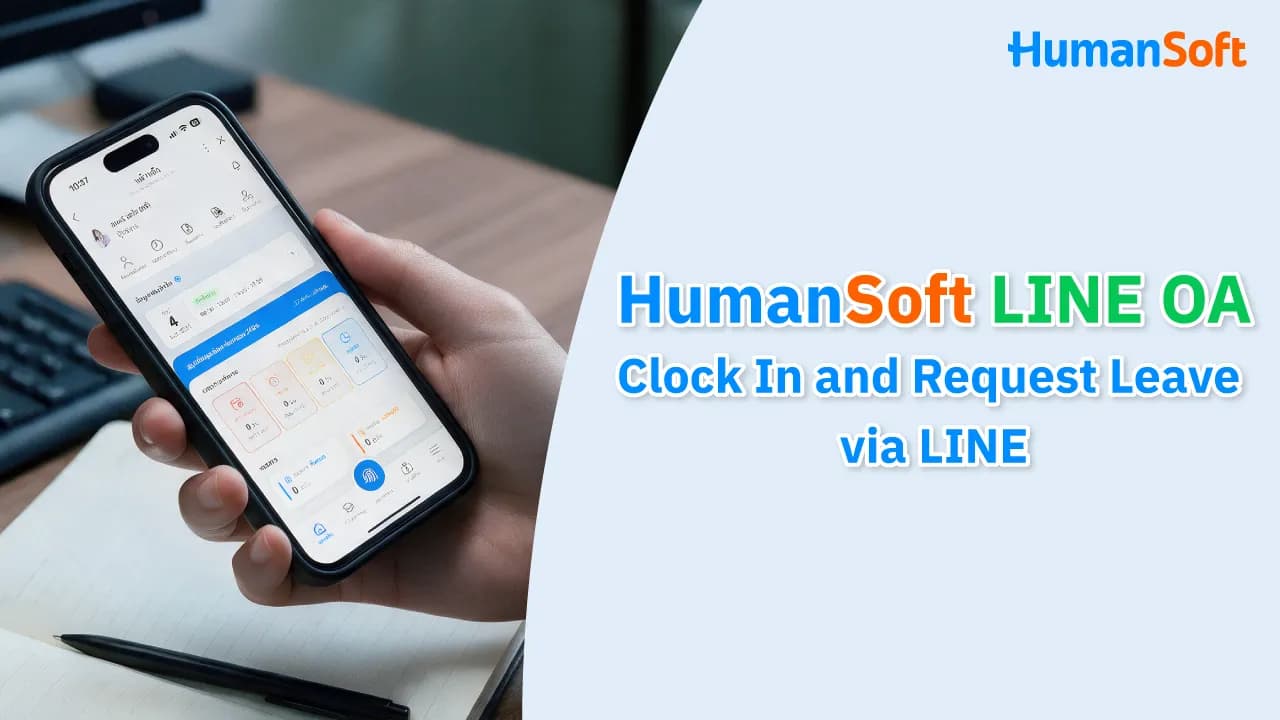
HumanSoft LINE OA Lets Employees Clock In and Submit Leave Requests Instantly via LINE
HumanSoft LINE OA is a channel that allows employees to manage their own tasks through (Employee Self Service), from clocking in and out to submitting document requests, checking salary details, viewing payslips, and more—all through a LINE Official Account without opening a separate app or logging in on a computer. Supervisors can also approve documents instantly.
Table of Contents:
- HumanSoft LINE OA Lets Employees Clock In and Submit Leave Requests Instantly via LINE
- What Is HumanSoft LINE OA?
- Why Should Employees Use HumanSoft LINE OA?
- What Can Employees Do with HumanSoft LINE OA?
- How to Get Started with HumanSoft LINE OA?
- HumanSoft LINE OA: Clock In and Request Leave via LINE
- Frequently Asked Questions About HumanSoft LINE OA
What Is HumanSoft LINE OA?
HumanSoft LINE OA is a channel that enables employees to manage tasks and check their own information directly through a LINE Official Account (LINE OA). They can clock in and out, submit documents, review information, and check their payslips through HumanSoft LINE OA without having to ask their supervisor or HR. This streamlines workflows and makes HR administration more convenient.
Why Should Employees Use HumanSoft LINE OA?
Bringing HR functions to LINE OA gives users access to essential tasks through a channel they already use regularly, including:
-
No extra app required: Use the LINE Official Account directly and save storage space on your phone.
-
Check remaining leave entitlement yourself: See how many vacation days remain or how many personal leave days you have used through the LINE menu before submitting a leave request.
-
Helpful alerts prevent mistakes: If you accidentally submit overlapping leave dates, the system alerts you immediately, reducing errors and eliminating the need to submit a new request.
What Can Employees Do with HumanSoft LINE OA?
|
Task |
User |
Available Functions |
|
Clock In and Out |
Employees |
Clock in and out directly through HumanSoft LINE OA. |
|
Submit Leave and Document Requests |
Employees |
Submit document requests instantly without waiting for business hours or handing documents to HR. |
|
Manage Working Hours |
Employees |
Check personal work schedules and clock-in and clock-out times. |
|
Approve Multiple Documents at Once |
Supervisors |
Approve or reject multiple documents at the same time. |
|
Multilingual Support |
Employees |
Supports Thai, English, Burmese, Chinese, and Malay, making the system easier for international employees to use. |
|
Track Document Status |
Employees |
Check whether submitted leave requests or other documents have been approved. |
How to Get Started with HumanSoft LINE OA?
Get started in four steps using your existing HumanSoft account—no new registration required:
-
Add HumanSoft LINE OA as a friend at @app.humansoft.
-
Open the chat and select Log In from the menu.
-
Enter the same username and password you use to log in to HumanSoft.
-
Start using features such as clocking in and out, checking information, and submitting requests immediately.
Learn more at >> HumanSoft LINE OA User Guide
HumanSoft LINE OA: Clock In and Request Leave via LINE
The new HumanSoft LINE OA brings employees' everyday tasks into LINE, from clocking in and out, submitting leave requests, requesting OT, and checking work schedules to viewing payslips and tracking document approval status. Supervisors can also approve documents instantly through HumanSoft LINE OA.
For organizations that want employees and supervisors to access information and complete tasks more conveniently, HumanSoft LINE OA makes it easy to check information and perform everyday tasks through LINE.
Frequently Asked Questions About HumanSoft LINE OA
Q: How does the system alert employees about duplicate requests or overlapping times?
A: The system detects and alerts users immediately while they are entering information if a date, time, or work shift overlaps with an existing request, helping prevent incorrect submissions.
Q: Is there an additional fee to activate HumanSoft LINE OA?
A: There is no additional feature fee for organizations already using HumanSoft. The service can be connected and used immediately, subject to the terms of the selected package.
Q: What should I do if I get a new phone or change my LINE account?
A: Simply access LINE OA on the new device or with the new LINE account, then log in using your existing HumanSoft username and password or verify your identity using the linked phone number. Your existing data and usage history will sync automatically.
Q: Can employees view historical data through HumanSoft LINE OA?
A: Yes. Employees can view historical data supported by the system and their user permissions, such as clock-in and clock-out records, work schedules, and their own payslips.
Read More Related Articles
-
Submit Leave Requests Easily via LINE with the HumanSoft LINE App
-
How Does LINE Notify Improve Online Time Attendance Notifications?



