
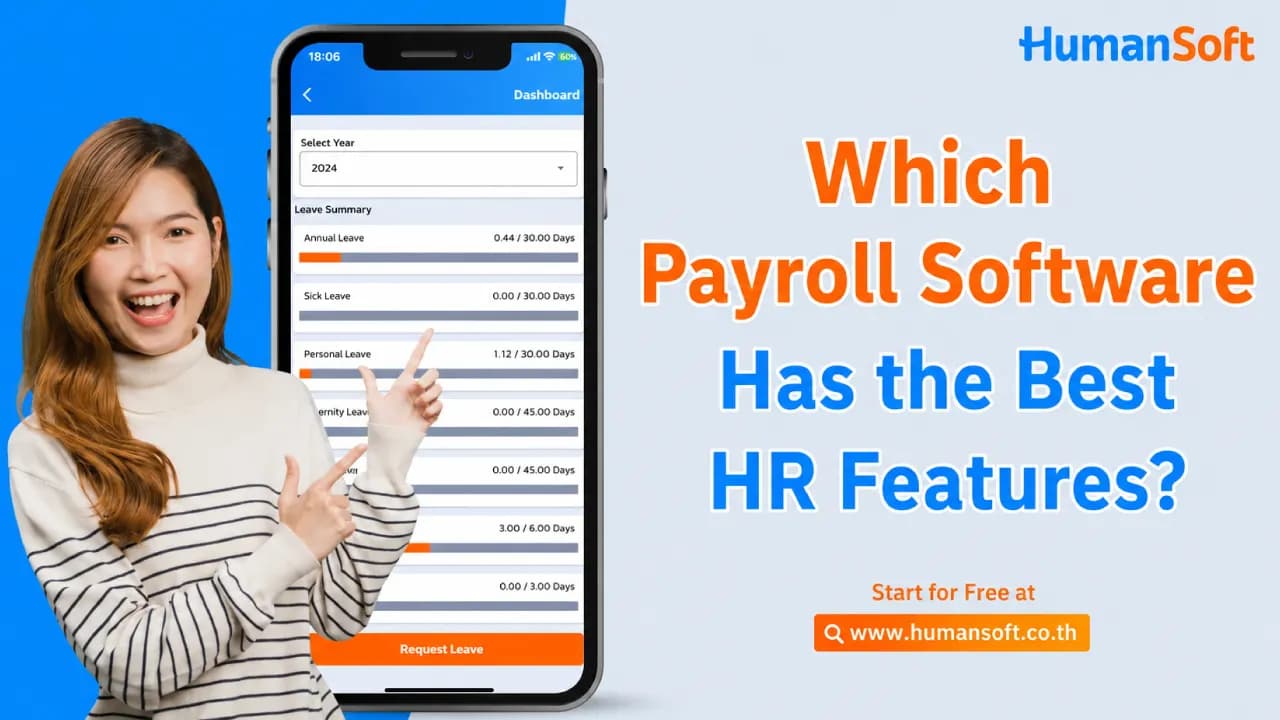
3 Essential Features of Modern HR Payroll Software: How to Choose the Right Solution
- An application for employees and HR teams
- Secure cloud data storage
- Automated management systems
What Features Should Modern HR Payroll Software Include?
As organizations rapidly adopt digital technology, they must update their operational infrastructure to support new ways of working. Payroll software can streamline online human resource management. The following features are essential:
| Feature | Capabilities | Benefits for HR |
| 1. HR & Employee Application | Record attendance, request documents, and view online payslips | Reduces administrative work and eliminates paper-based documents |
| 2. Cloud Storage | Stores employee information and HR documents in the cloud | Provides secure access anywhere while protecting against data loss |
| 3. Automated Systems | Automatically calculates salaries, overtime, taxes, and Social Security contributions | Reduces errors and supports compliance with labor laws |
How Can an HR and Employee Application Simplify Daily Work?
Using an application to manage employees makes organizational processes more convenient and efficient. These applications typically include the following features:
- Online time and attendance tracking: Organizations can select the most suitable attendance methods, including facial recognition/GPS, check-ins, Wi-Fi, QR codes, attendance through the LINE app, and Time App attendance.
- Online document requests and approvals: Employees can use the app or website to submit leave requests, request changes to scheduled days off, apply for overtime, claim employee benefits, and request salary advances, making workplace processes faster and more convenient.
- Online payslips: Issue online payslips easily, helping organizations transition efficiently to modern working practices.
- To-do List Create workplace to-do lists, prioritize tasks, set deadlines, define subtasks, and assign or transfer responsibilities to colleagues and team members.
What Is Cloud Storage, and What Are Its Benefits?
Cloud storage keeps information on online servers accessed through an internet connection. The cloud service provider maintains all hardware and software, helping organizations reduce infrastructure costs. This convenient feature supports businesses of all sizes and offers the following benefits:
- Flexible data storage that scales with organizational needs
- Easy, organized access to information
- Advanced security protection
- Comprehensive data backups
How Do Automated Management Systems Make Work Easier for HR and Employees?
Automation makes work faster, more convenient, and more efficient in several areas:
- Automated payroll calculations
- Employee attendance management and working-hour calculations
- Online document submission and approval
- Reporting and analytics
These capabilities help HR teams work more efficiently and dedicate additional time to developing other areas of the organization.
Conclusion: What Should You Consider Before Choosing Payroll Software?
As circumstances change rapidly, organizations must adapt. Updating operational infrastructure to meet modern demands has become essential, making contemporary HR practices increasingly important. These three features address the needs of organizations of every size while supporting more efficient employee management.
FAQ: Frequently Asked Questions About Online Payroll Software
What Features Should Modern Payroll Software Include?
Three essential features are indispensable:
- An application for employees and HR teams
- Secure cloud data storage
- Automated calculation and management systems
Do Small and Medium-Sized Enterprises Need an Online HR System?
Yes. An online HR system creates transparent, easily auditable processes and allows business owners to focus on growth instead of manually entering data into Excel.
How Secure Is Employee Information Within the System?
Employee data is stored in the cloud using internationally recognized security standards, backed up regularly, and protected through role-based access permissions.
How Does the System Verify Overtime in Compliance With Labor Laws?
The system calculates overtime in accordance with labor laws accurately using employee shift schedules and allows organizations to set overtime limits that align with company policies.
What Happens if an Employee Forgets to Clock In or Out?
Employees can immediately submit a working-hour adjustment request through the mobile application. The request is routed to their supervisor for approval through the appropriate reporting line. Once approved, the employee’s attendance record is updated automatically.
Explore More Articles You May Find Helpful:
- 7 Reasons HR Teams Should Use Payroll Software
- Top 5 Payroll Software Solutions for SMEs
- What Are the Best Payroll Software Solutions for HR?
- Calculate Salaries Accurately With a Single Click Using Payroll Software
- Calculate Employee Allowances Easily With Payroll Software
- Top 5 Free Payroll Software Solutions for Your Business



