
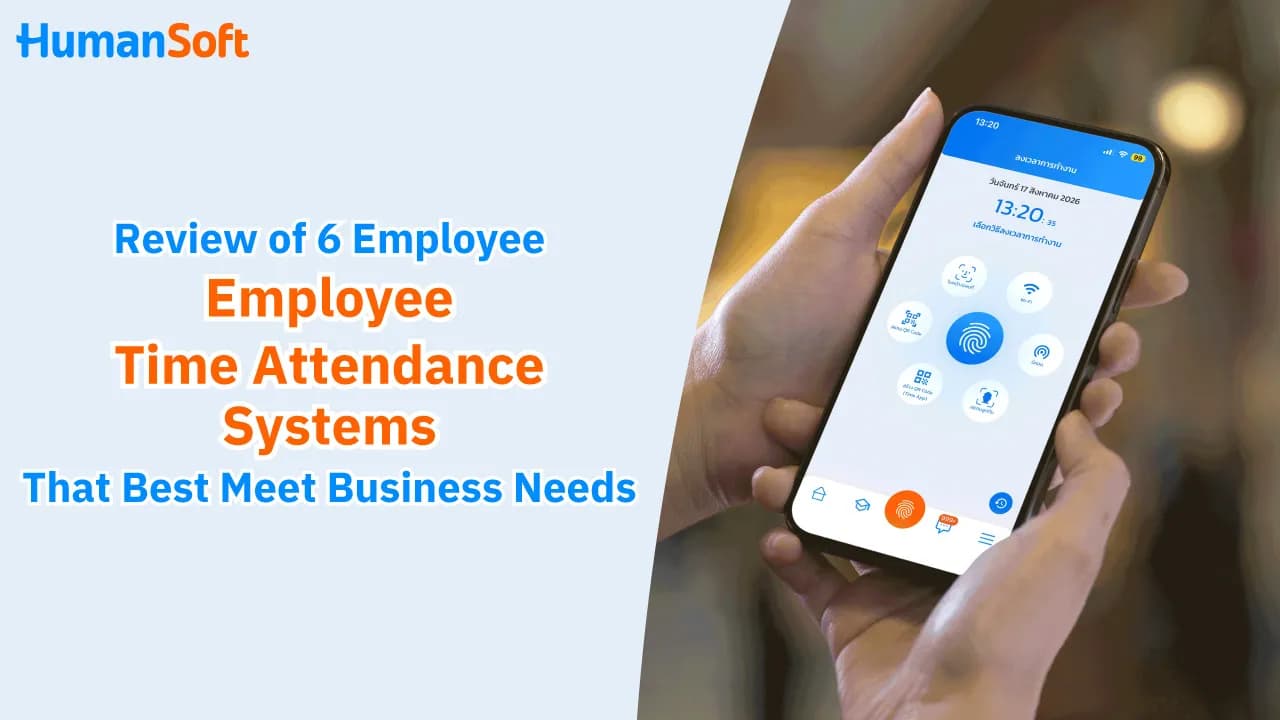
Review: 6 Employee Time Attendance Systems That Best Meet Today’s Workplace Needs
Implementing an employee time attendance system in an organization not only makes employee working-time tracking and management more efficient, but also supports digital ways of working and enables more modern and flexible work practices.
When choosing an employee time attendance system, the main factors to consider are the workplace, shift patterns, number of branches, and Payroll integration. Offices may be better suited to Wi-Fi or scanners , while field teams may be better suited to GPS. Organizations that require employee identity verification should consider Face Recognition together with a system that can send attendance data directly to Payroll.
Table of Contents:
- Review: 6 Employee Time Attendance Systems That Best Meet Today’s Workplace Needs
- What Is an Employee Time Attendance System?
- 6 Employee Time Attendance Systems
- Which Employee Time Attendance System Is Right for Your Organization?
- How Does HumanSoft Manage Time Attendance and Which Methods Does It Support?
- Summary: 6 Employee Time Attendance Systems That Best Meet Today’s Workplace Needs
- FAQ: Frequently Asked Questions About Employee Time Attendance Systems
What Is an Employee Time Attendance System?
An employee time attendance system records employees’ clock-in and clock-out times through various attendance devices, including digital hardware and software that make attendance tracking more convenient. HR still needs attendance records for processes such as payroll calculation and employee evaluation. Therefore, an employee time attendance system should be accurate, fast, and help make HR operations much more convenient.
6 Employee Time Attendance Systems
HumanSoft will review 6 employee time attendance systems that suit today’s workplace needs:
1. Time Attendance Using a Scanner
Scanner-based attendance supports several convenient clock-in methods, including fingerprint scanning and facial recognition. Scanners can also connect to HR software that automatically stores employee attendance records. HR does not need to manually retrieve working-time data from the scanner, helping reduce the steps required to review attendance and calculate payroll.
2. Time Attendance Using Beacon
Using Beacon is another fast attendance option. It uses the smartphone’s Bluetooth signal for clocking in and out, and employees can record attendance only when they are within the Beacon’s defined range.
Beacon attendance is also suitable for organizations with multiple branches or multi-storey buildings, and it can be a useful attendance option in locations where internet connectivity is unreliable.
3. Time Attendance via Mobile Phone or Shared Computer
Employee attendance through a mobile phone or shared computer (Time App/Time Web) is another option for organizations that need a system that is easy to use, convenient, fast, and secure. Employees can clock in through a shared company device using facial recognition or a QR Code.
4. Time Attendance Using Wi-Fi
Employees connect their mobile phones to a registered company Wi-Fi network. Once connected, they can immediately clock in or out through the attendance application installed on their phones, making attendance recording quick and simple.
5. Time Attendance Using GPS
This method records attendance through an application on the employee’s smartphone using the phone’s GPS signal. HR can also set specific coordinates (latitude and longitude) where employees are allowed to clock in. Employees working off-site or from home can therefore record attendance without traveling to the company or office.
6. Time Attendance Using Facial Recognition via Mobile Application
This method works similarly to GPS attendance, but facial recognition through a Mobile Application verifies both the employee’s GPS location and face when clocking in or out. It is also an effective way to help prevent buddy punching.
Tips! Read more >> “Time Attendance Apps”: An Essential Tool for Employees and HR
Which Employee Time Attendance System Is Right for Your Organization?
Each attendance method suits different working environments. The choice should not be based on technology alone, but on whether it fits the workplace, employees, and the organization’s Payroll process.
|
Attendance Method |
Key Advantage |
Best For |
|
Scanner |
Supports facial or fingerprint scanning and can connect data to the HR system. |
Offices, factories, and fixed workplaces. |
|
Beacon |
Allows clocking in only within the Beacon range. |
Multiple branches or multi-storey workplaces. |
|
Time App |
Uses a shared device for facial recognition or QR Code scanning. |
Companies with employees who do not have smartphones. |
|
Wi-Fi |
Allows attendance when connected to the organization’s designated Wi-Fi. |
Offices or fixed workplaces. |
|
GPS |
Allows location settings and verification of attendance areas. |
Field employees, WFH, and multiple work locations. |
|
Face Recognition via Mobile |
Verifies both the employee’s face and GPS location. |
Organizations that require stronger identity verification. |
How Does HumanSoft Manage Time Attendance and Which Methods Does It Support?
HumanSoft supports 7 attendance methods, including facial recognition, fingerprint scanning, GPS, QR Code, Wi-Fi, Beacon, and supervisor facial scanning on behalf of team members. Organizations can choose the method that best suits their working environment. Attendance data can also connect with the HR and Payroll systems, helping reduce the steps required to collect and re-enter working-time data before payroll calculation.
Summary: 6 Employee Time Attendance Systems That Best Meet Today’s Workplace Needs
Each employee time attendance method has different advantages. The right choice should consider the workplace, shift patterns, number of branches, identity verification method, and Payroll integration. For organizations with diverse working arrangements, choosing a system that supports multiple attendance methods and centralizes working-time data can significantly reduce HR’s data-checking steps and manual work.
For organizations considering an all-in-one option, HumanSoft is HR software that supports a variety of attendance methods, including facial recognition through the application, scanners, Beacon, Wi-Fi, GPS, and shared attendance devices. These options are designed to support modern working environments, and all features can be tried free for 30 days.
FAQ: Frequently Asked Questions About Employee Time Attendance Systems
Can Face Recognition Help Prevent Buddy Punching?
Yes. Face Recognition adds an identity-verification step by checking the employee’s face when attendance is recorded. When used with GPS, the system can also verify the location where the employee clocks in, helping prevent buddy punching.
Can a Time Attendance System Connect with Payroll?
Yes. If the Time Attendance system supports Payroll integration, working-time data can be used directly for further processing, reducing the need to export or manually re-enter attendance data.
Which Time Attendance Methods Does HumanSoft Support?
HumanSoft supports multiple attendance methods, including Finger Scan, GPS, WiFi, Beacon, Face Recognition, Kiosk, and QR Code, along with work-location settings so organizations can choose the method that best suits their employees’ working arrangements.
Read More Related Articles
- Why Use an Online Employee Time Attendance System?
- “Time Attendance Apps”: An Essential Tool for Employees and HR
- What Free Modern Time Attendance Software Options Are Available?
- What Is a Face Recognition System and Why Does Your Business Need It?
- 5 Benefits of Fingerprint Scanners Every Organization Should Know



