

Online Payroll: The Right-Hand Assistant for Modern HR
Online payroll, or cloud-based payroll software, automatically uses working hours, leave, and overtime data to calculate salaries, social security contributions, and withholding tax. It then generates payslips and reports for government submissions immediately. HR no longer needs to re-enter data in Excel every month and can access the system through a browser from anywhere.
Table of Contents:
- Online Payroll: The Right-Hand Assistant for Modern HR
- What Is Online Payroll, and How Does It Differ from Excel?
- Key Features of Online Payroll Systems
- Benefits of Online Payroll: Why HR Should Make the Switch
- In-House Payroll, Outsourcing, or Payroll Software: Which Is the Better Fit?
- FAQ: Common Questions Before Adopting Payroll Software
What Is Online Payroll, and How Does It Differ from Excel?
An online payroll system stores employee records, base salaries, clock-in and clock-out times, leave, and overtime together in the cloud. It then calculates each employee's net pay, including deductions for social security, tax, and provident fund contributions.
The key difference from Excel is that a single set of data is used throughout the payroll cycle, from employee clock-ins to payslips. There is no need to export attendance files and re-enter the data. When statutory rates change, the provider updates them in the system, so HR does not have to revise formulas in every file. The term "online" means the system is accessible directly through a browser or app, without installing software on a computer or maintaining an in-house server. Multiple HR team members can therefore work with the same data simultaneously.
Key Features of Online Payroll Systems
Online payroll systems offer a wide range of features, including automated payroll calculation, payslip review, and other tools that help HR work efficiently, as outlined below.
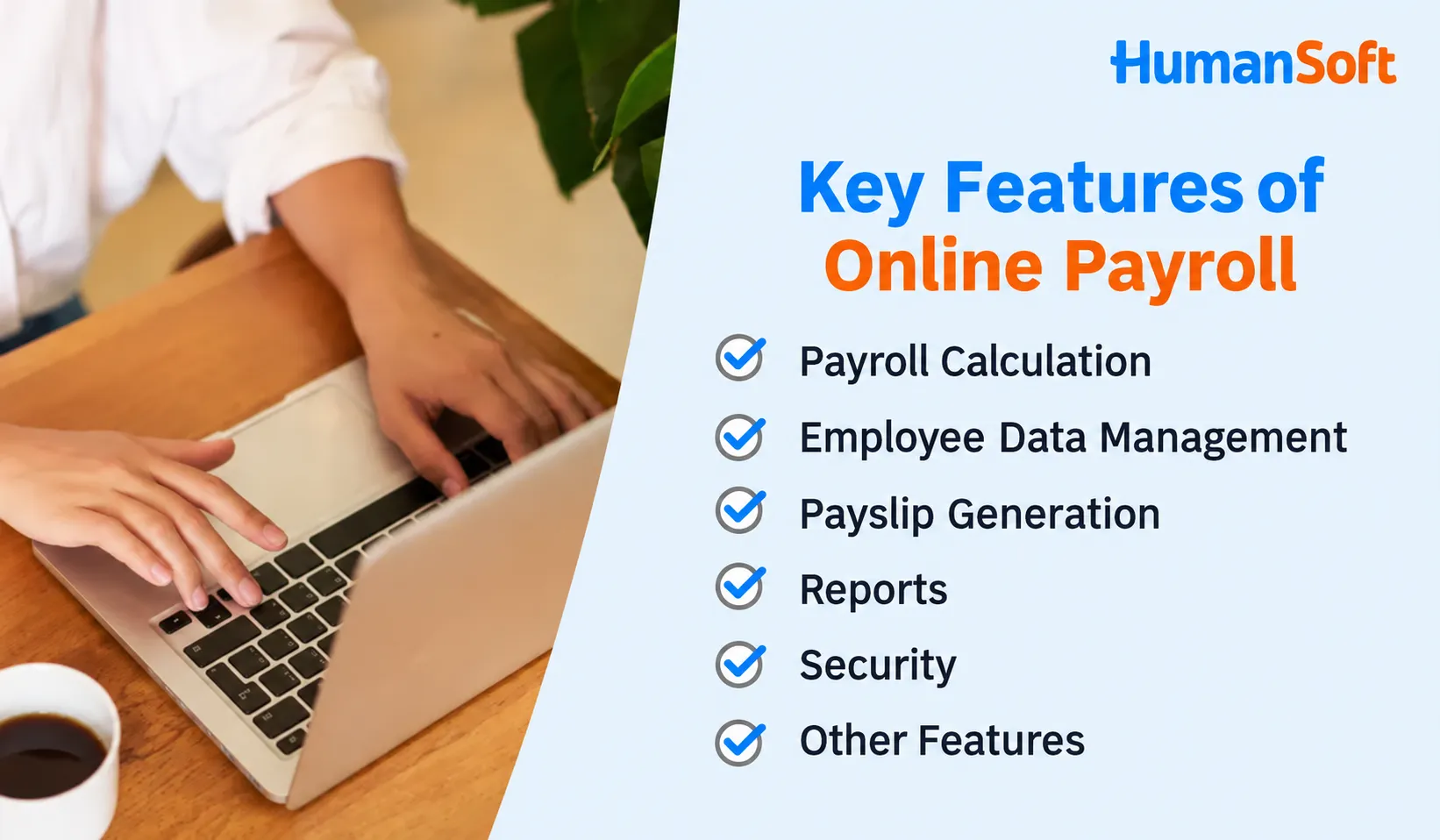
Payroll Calculation
- Supports various employee types, salary structures, and benefits
- Calculates personal income tax
- Calculates social security contributions
- Calculates contributions to the provident fund
Employee Data Management
- Stores employees' personal information
- Records of employment
- Salary information
- Benefits information
- Stores employee leave records
Payslip Generation
- Displays salary details, income tax, social security contributions, provident fund contributions, and more
- Allows employees to view their payslips online
Reports
- Generates payroll summary reports
- Income tax reports
- Social security reports
- Provident fund reports
- Other reports, such as attendance and leave reports
Security
- Controls data access through password authentication
- Records activity logs
- Runs on a cloud platform that meets established standards
Benefits of Online Payroll: Why HR Should Make the Switch
1. Convenience: Access Anytime, Anywhere
HR can work through a browser from anywhere, while employees can and view payslips, update personal information, or submit documents through the themselves. HR therefore no longer needs to answer the same questions at the end of every month.
2. Accuracy: Fewer Manual Data Entry Errors
Attendance, leave, and overtime data feed directly into payroll calculations without being re-entered. This eliminates common sources of incorrect figures, such as formulas not being copied to every row when new employees join.
3. Legal Updates and Secure Data Storage
When social security or tax rates change, the provider updates the system. One example is the THB 17,500 social security contribution wage ceiling introduced in 2026. Historical data is stored systematically and remains available for review when needed.
4. Support for Hybrid Work and Multiple Branches
HR, employees, and supervisors can approve leave or overtime requests or view information from anywhere without going to the office. This is suitable for organizations with employees working off-site or across multiple branches.
In-House Payroll, Outsourcing, or Payroll Software: Which Is the Better Fit?
| Criteria | Managing Payroll in Excel | Payroll Outsourcing | Payroll Software |
|---|---|---|---|
| HR time per payroll cycle | Highest: all data entry and formula checks are performed manually | Low, but data must be collected and submitted each cycle | Low: attendance and leave data feed into the system automatically |
| Risk of calculation errors | High: incorrect formulas, incomplete formula ranges, and data entry errors | Low to moderate, depending on the data submitted | Low: one shared dataset, with statutory rates updated in the system |
| Monthly cost | No software fees, but requires the most staff time | Service fees are generally higher than software fees and increase with employee count | Monthly or annual subscription fees |
| Payroll data confidentiality | Stored in files that can easily be shared | Data is held by an external party | Stored in the system, with access permissions and activity logs |
| Control and corrections | Can be edited directly, but without an edit history | Corrections must be requested from the provider | Can be edited immediately, with an edit history |
| Best suited for | Businesses with only a few employees and simple payroll requirements | Organizations without an in-house HR team | Organizations with HR teams that want to control their own data |
If you are still deciding between outsourcing and managing payroll internally, read
FAQ: Common Questions Before Adopting Payroll Software
Q: Is it difficult to migrate data from Excel or an existing system to HumanSoft payroll software?
A: No. Initial setup, importing current employee data, and importing historical records are included in the package price. The team helps with initial configuration and provides online training at no additional cost.
Q: Can we start using payroll software in the middle of the year?
A: Yes. You do not have to wait until the new year. However, each employee's year-to-date income and tax already withheld must also be imported into the system so that withholding tax for subsequent payroll cycles and year-end withholding tax certificates (Form 50 bis) are calculated correctly using full-year totals.
Q: Is payroll software priced per employee or per package? Are there any hidden fees?
A: Pricing is based on packages for employee count ranges, rather than a per-employee fee. There are no setup fees, annual maintenance agreement (MA) fees, or additional license fees when adding employees within the same range.
Q: Is online payroll data secure, and who can access it?
A: Access permissions can be assigned by role. For example, HR can view company-wide data, supervisors can view only their teams, and employees can view only their own information. The system records activity logs and runs on a cloud platform that meets established standards, helping organizations manage payroll data in accordance with the Personal Data Protection Act B.E. 2562 (2019)
Q: Can employees view payslips on their mobile phones?
A: Yes. The STANDARD package and above include a mobile application and LINE OA, allowing employees to view payslips, clock in and out, and submit documents themselves, with no additional per-user fees.
Related articles you may find useful:
- What Is Payroll Software, and Which Organizations Is It Suitable For?
- What Is an Online Salary Checking System, and Why Should Every Organization Use One?
- 7 Reasons HR Should Use Payroll Software
- Top 5 Payroll Software Solutions for SMEs
- Which Payroll Software Features Help HR Solve Common Problems?
